Rauentaler Str. 22/1, 76437 Rastatt Mon–Fri 9:00 am–5:00 pm
Home
Case studies News
Send enquiry
Hardware & software · Rastatt

Hardware & software: technology that fits how you work.

Advice, procurement and setup for hardware and software – vendor-neutral and honest. We recommend what genuinely improves your working day, buy it for you and set everything up ready to use. One contact for all of it.

Vendor-neutral Procurement included Set up on site
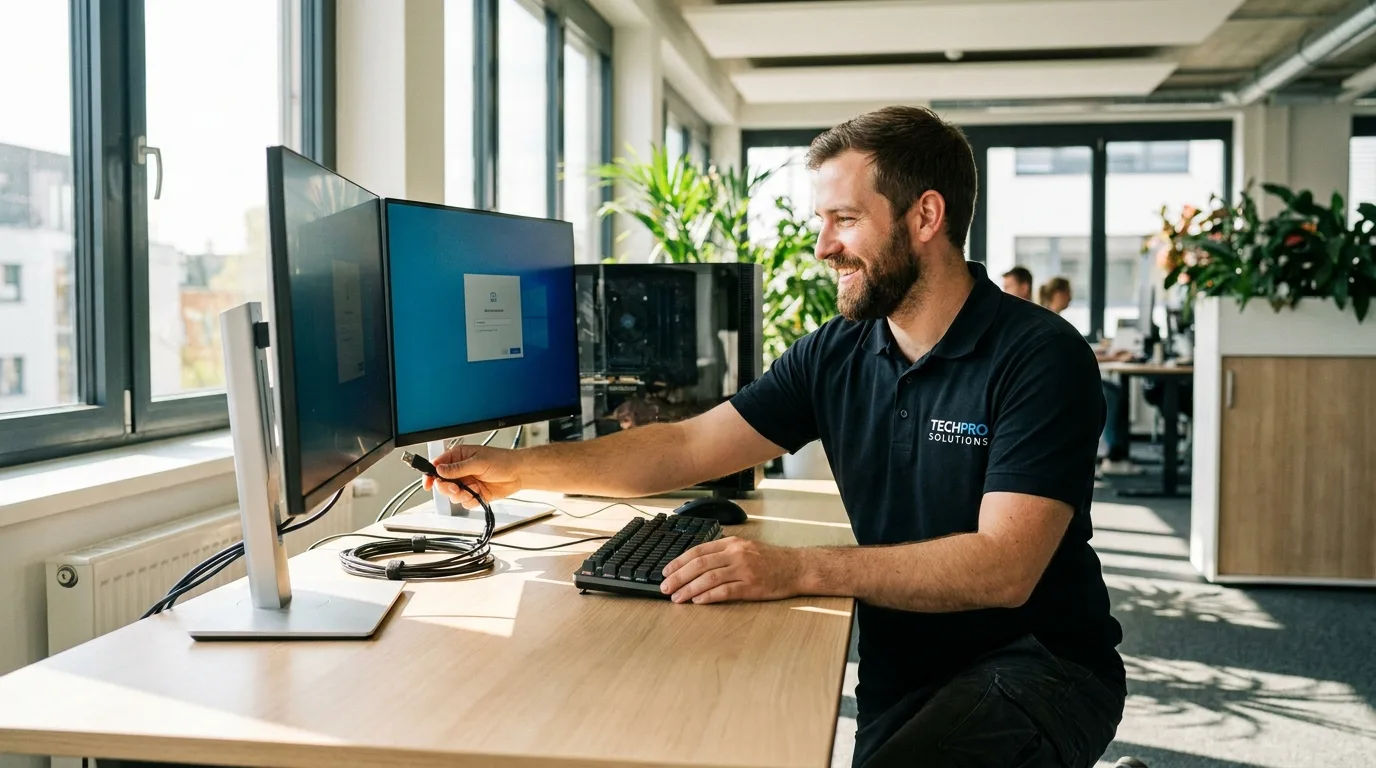
NK IT Service technician setting up a new business workstation with two monitors
Vendor-neutral advicewhat really fits
Setup includedplug & work
vendor-neutral
Advice without commission
since 2006
in Rastatt
2,000+
Satisfied customers
< 24 h
Response time
Hardware & software services

From first advice to a workstation ready to use

We take on the whole journey for you – from an honest recommendation through purchasing to a workstation that is ready to use. All from one provider, all vendor-neutral.

Advice & needs analysis

We listen first and recommend afterwards – matched to your work, your budget and your plans, with no sales pressure.

  • Vendor-neutral
  • Tailored to your needs
  • No hidden commission

Procurement & purchasing

We buy the right hardware for you – on fair terms, without you having to wade through datasheets.

  • Fair terms
  • Proven brand quality
  • One contact

Setup & installation

We set the equipment up, install your software, transfer accounts and configure everything so you can start straight away.

  • Installed on site
  • Software installed
  • Ready to use at once

Network & Wi-Fi

A stable network and Wi-Fi that works everywhere in the office – from the cabling to a secure configuration.

  • Cabling & switches
  • Wi-Fi without dead spots
  • Securely configured

Printers & peripherals

Printers, scanners, headsets and accessories – selected to fit, connected and set up for every workstation.

  • Printers & all-in-ones
  • Scanners & webcams
  • Mouse, keyboard, headset

Licences & software

The right applications and valid licences – from Office and industry software to Microsoft 365, properly documented.

  • Office & Microsoft 365
  • Industry & specialist software
  • Licences legally sound

Data transfer & migration

When you move to new devices we bring across your data, applications and settings – nothing is lost.

  • Data transferred 1:1
  • Applications & profiles too
  • No downtime

Monitoring & antivirus

We keep an eye on your devices: antivirus on every workstation and continuous monitoring spot problems early – before a minor fault turns into an outage.

  • Antivirus on every device
  • Continuous monitoring
  • Early warning & fast response

Maintenance & care

So the technology keeps running: updates, checks and quick help when something does go wrong.

  • Updates & security
  • Regular checks
  • Fast help
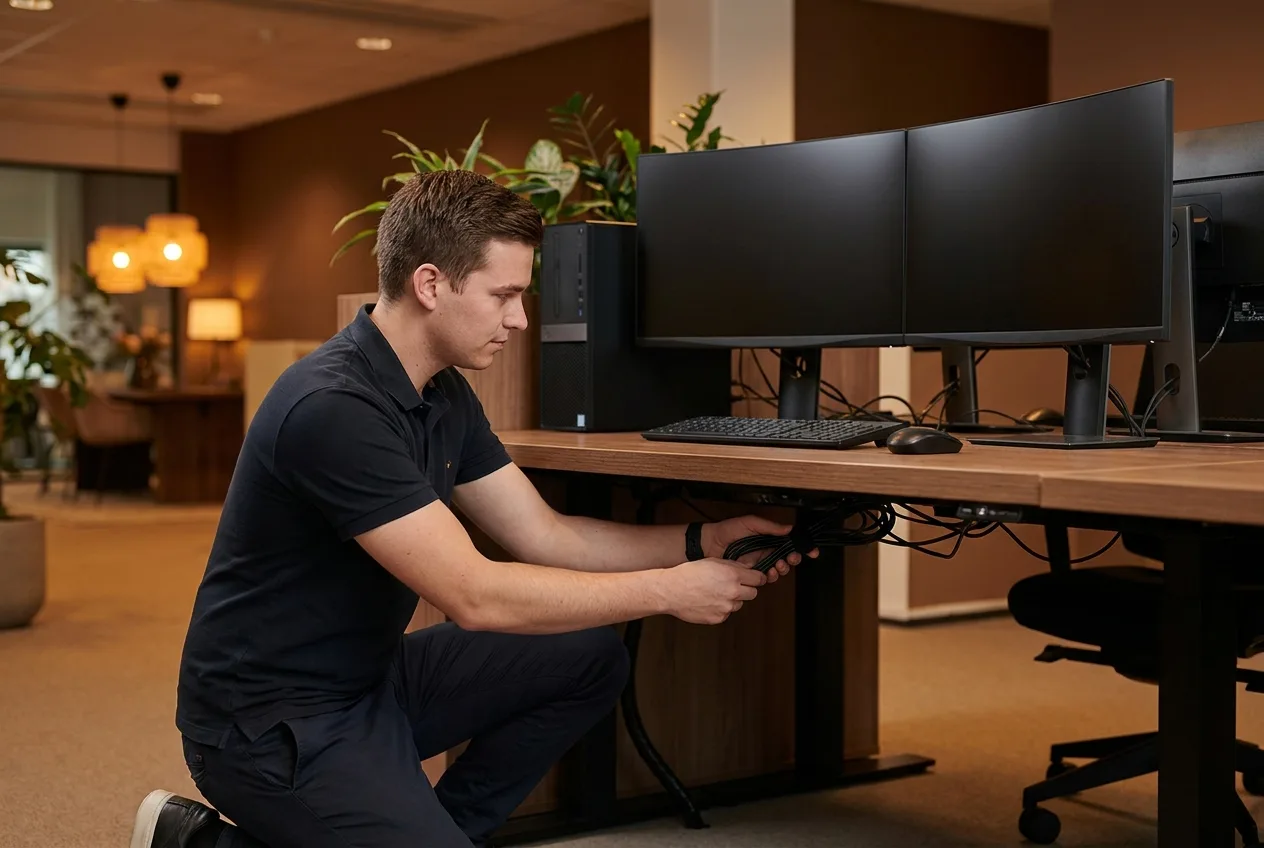
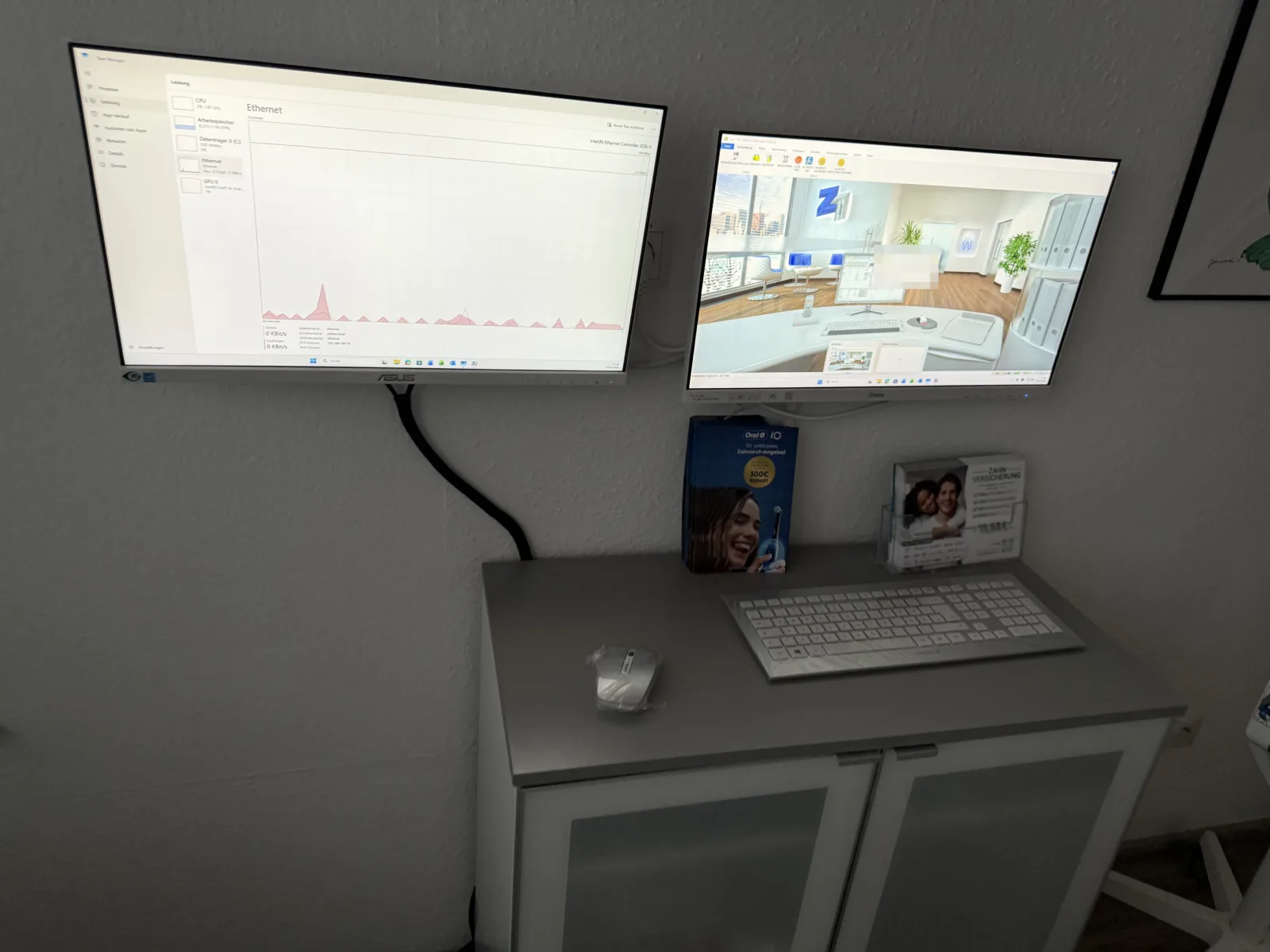
Technician setting up an office workstation with PC and monitors – NK IT Service Rastatt
The right equipment

The right PC for the job – not the most expensive one.

Spending a lot of money is easy. Finding exactly the right thing is the skill. We advise vendor-neutrally and recommend the equipment that suits your tasks – not the one with the highest margin. That is often cheaper than you expect, and it lasts longer because it is sensibly specified.

Recommendations that match your work Independent of manufacturer & brand Sensibly specified, not overpriced Honest advice without sales pressure
Request advice
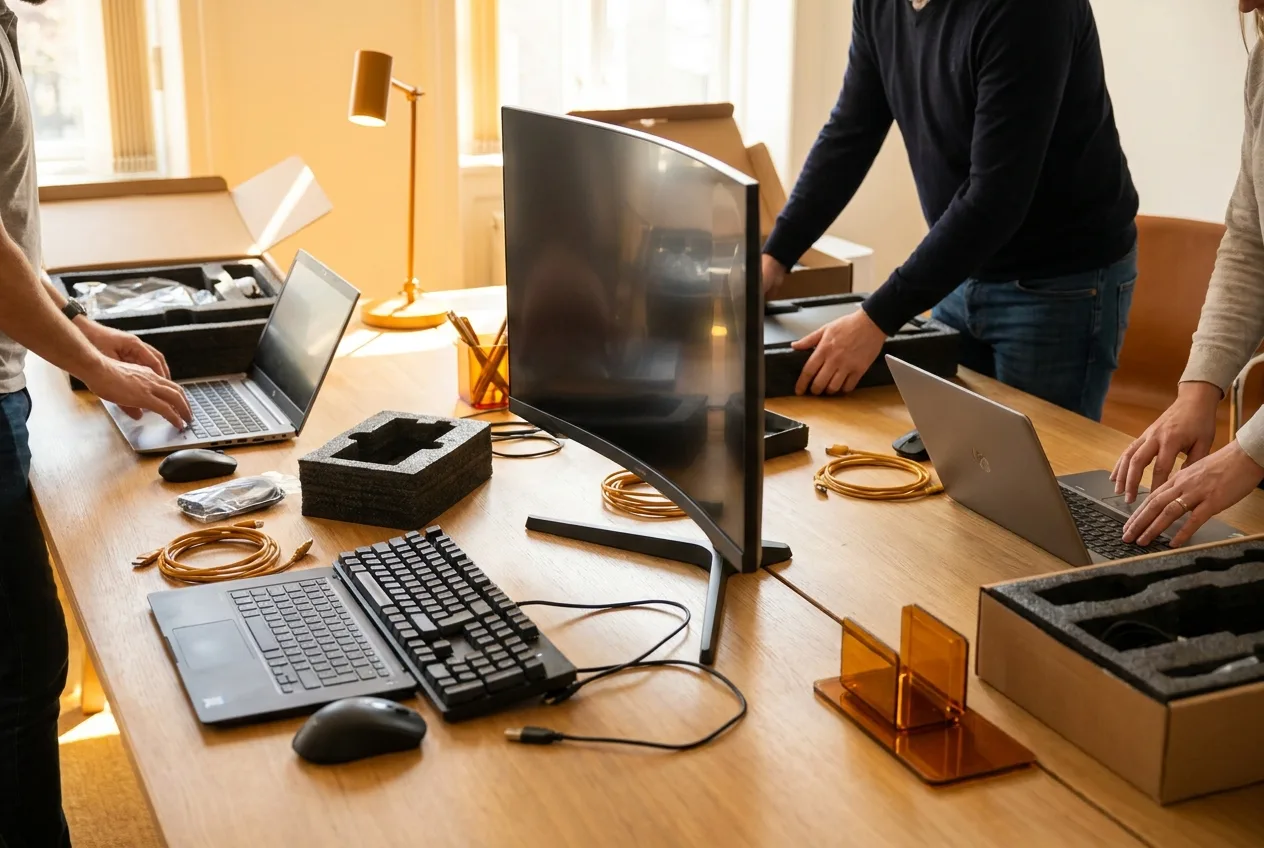
Newly procured business hardware – laptops and PCs for companies
Procurement & setup

Procurement & setup from one provider.

You do not have to shuttle between online shops, manufacturer hotlines and technicians. We advise, purchase, deliver and install – and remain your regular contact afterwards. One phone call is enough, we handle the rest. That leaves you time for your actual business.

Purchasing on fair terms Delivery & installation on site Data transferred from old devices One contact for everything
Request a quote
Manufacturers

Brands we source and set up

We advise vendor-neutrally and supply whatever fits best – from Apple to accessories. A selection of well-known brands:

Apple – procurement & setup by NK IT Service Microsoft – procurement & setup by NK IT Service Dell – procurement & setup by NK IT Service HP – procurement & setup by NK IT Service Lenovo – procurement & setup by NK IT Service Acer – procurement & setup by NK IT Service ASUS – procurement & setup by NK IT Service MSI – procurement & setup by NK IT Service Samsung – procurement & setup by NK IT Service Logitech – procurement & setup by NK IT Service Intel – procurement & setup by NK IT Service AMD – procurement & setup by NK IT Service NVIDIA – procurement & setup by NK IT Service AVM FRITZ!Box – procurement & setup by NK IT Service Brother – procurement & setup by NK IT Service Canon – procurement & setup by NK IT Service Epson – procurement & setup by NK IT Service

… and many more. We are vendor-neutral and recommend what genuinely suits you – not what happens to earn the best margin.

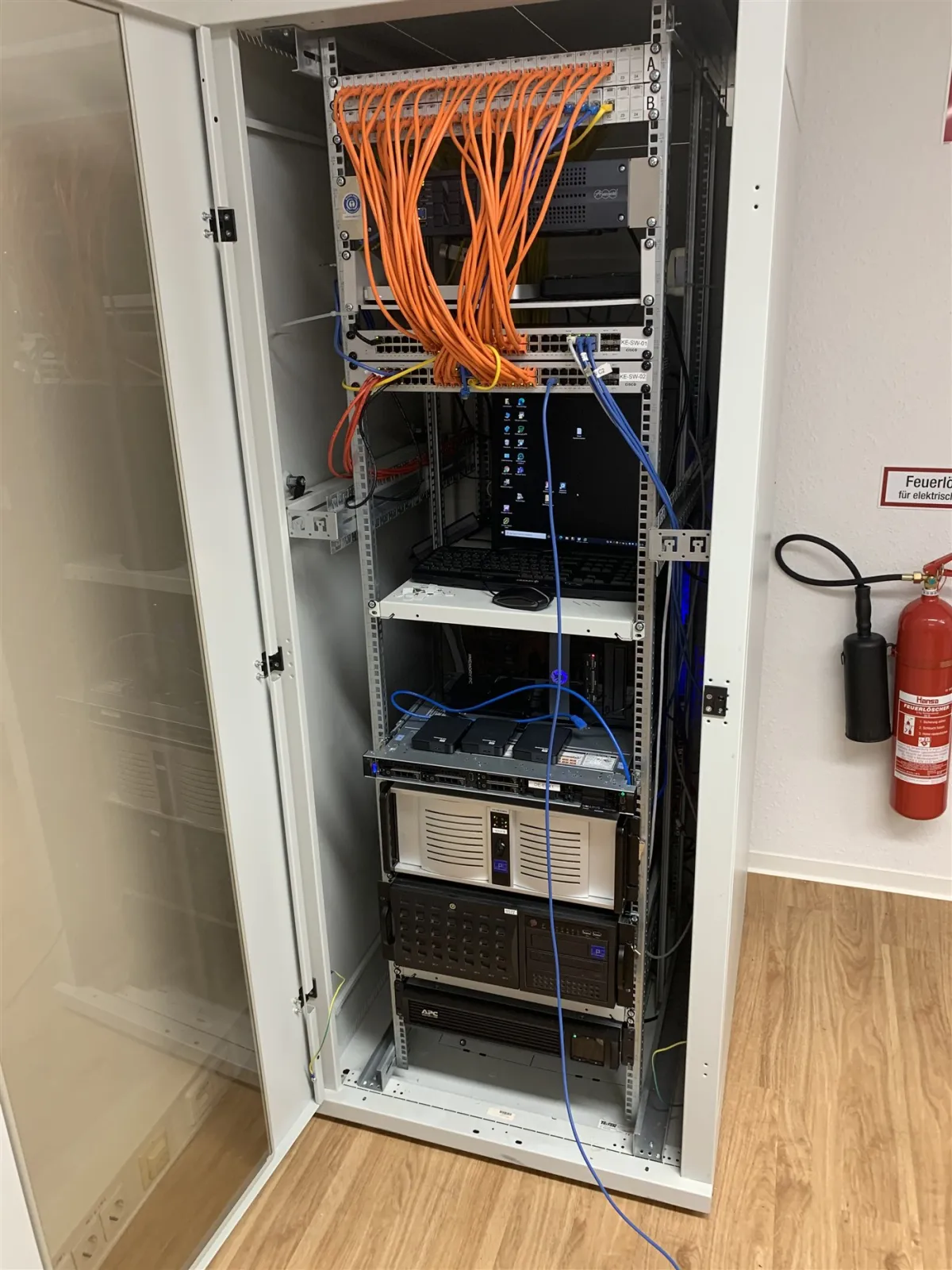
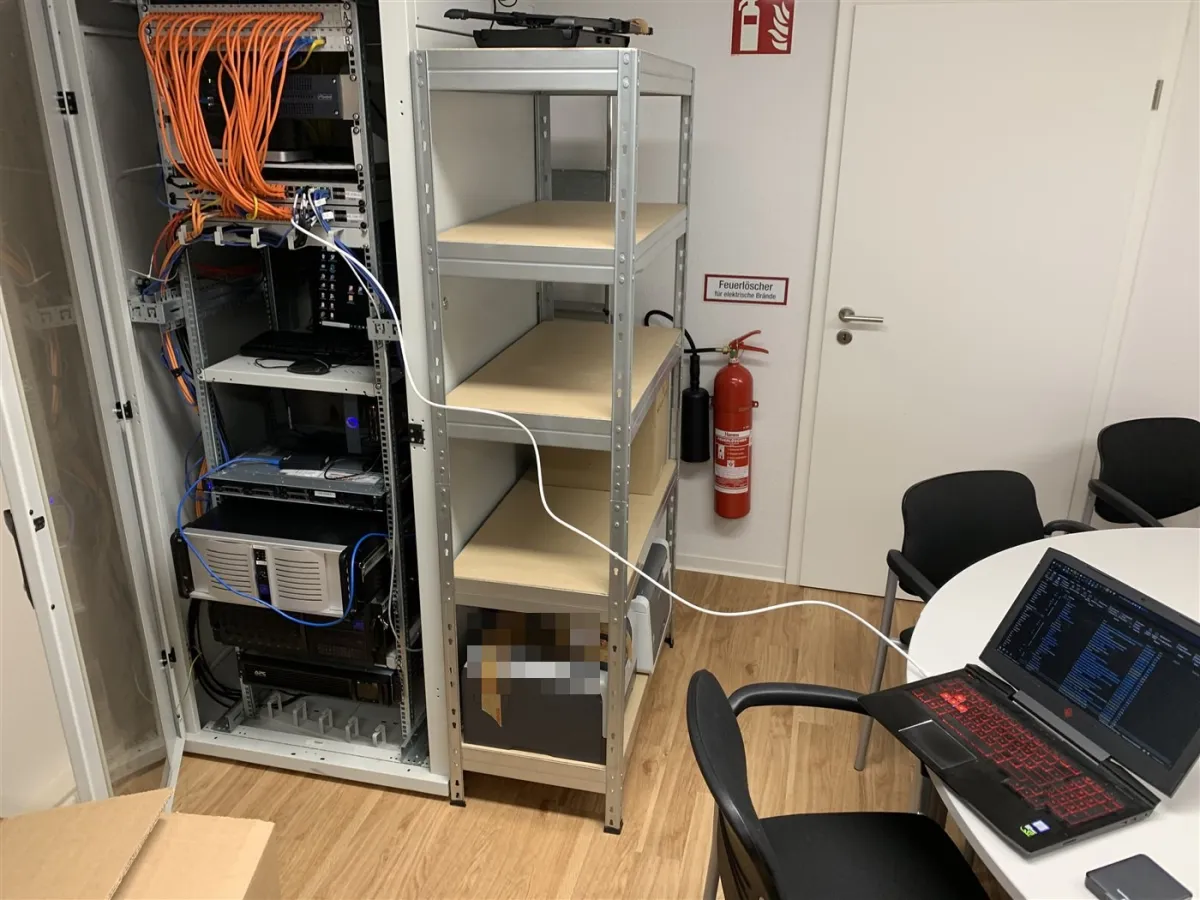
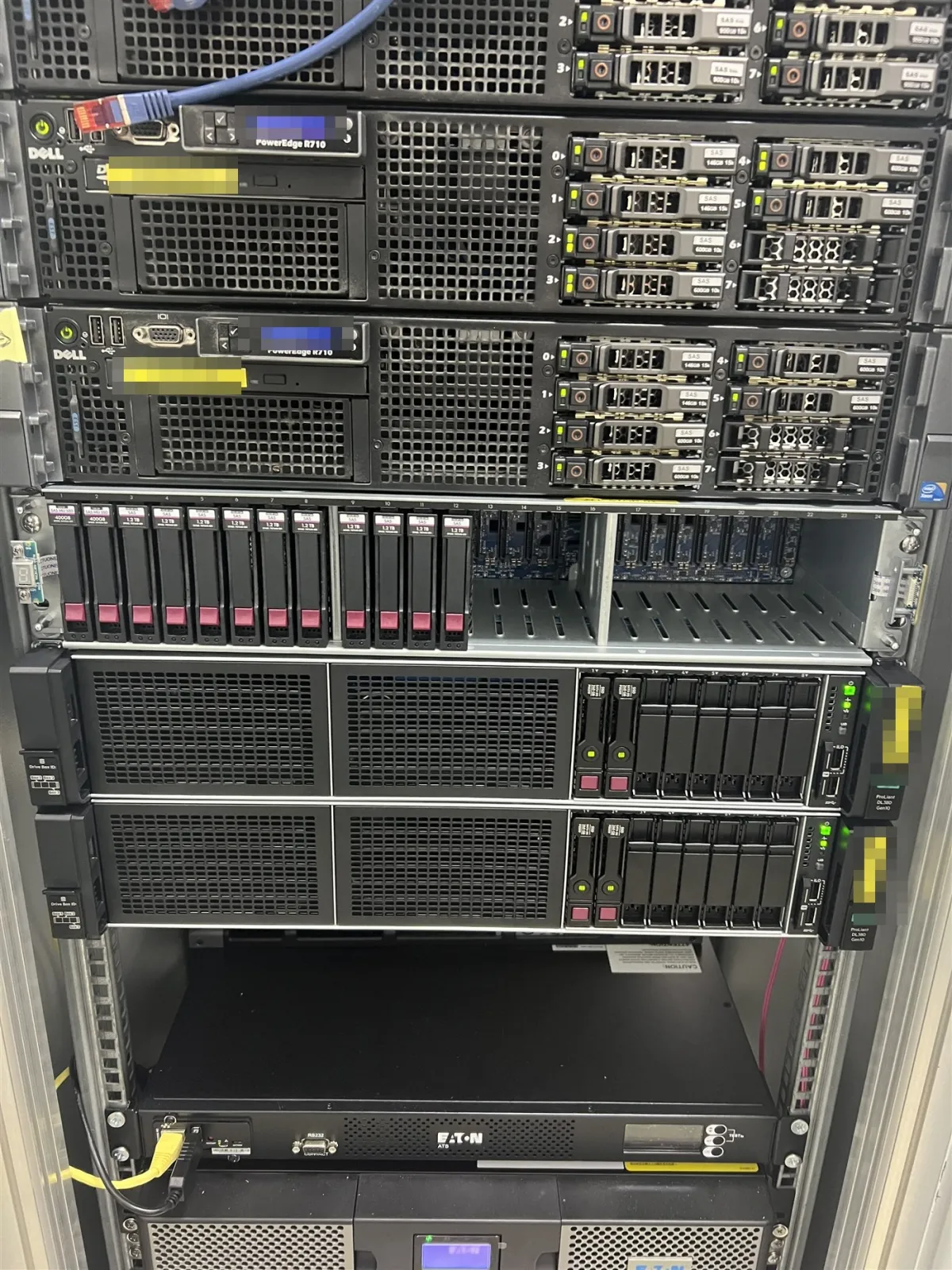
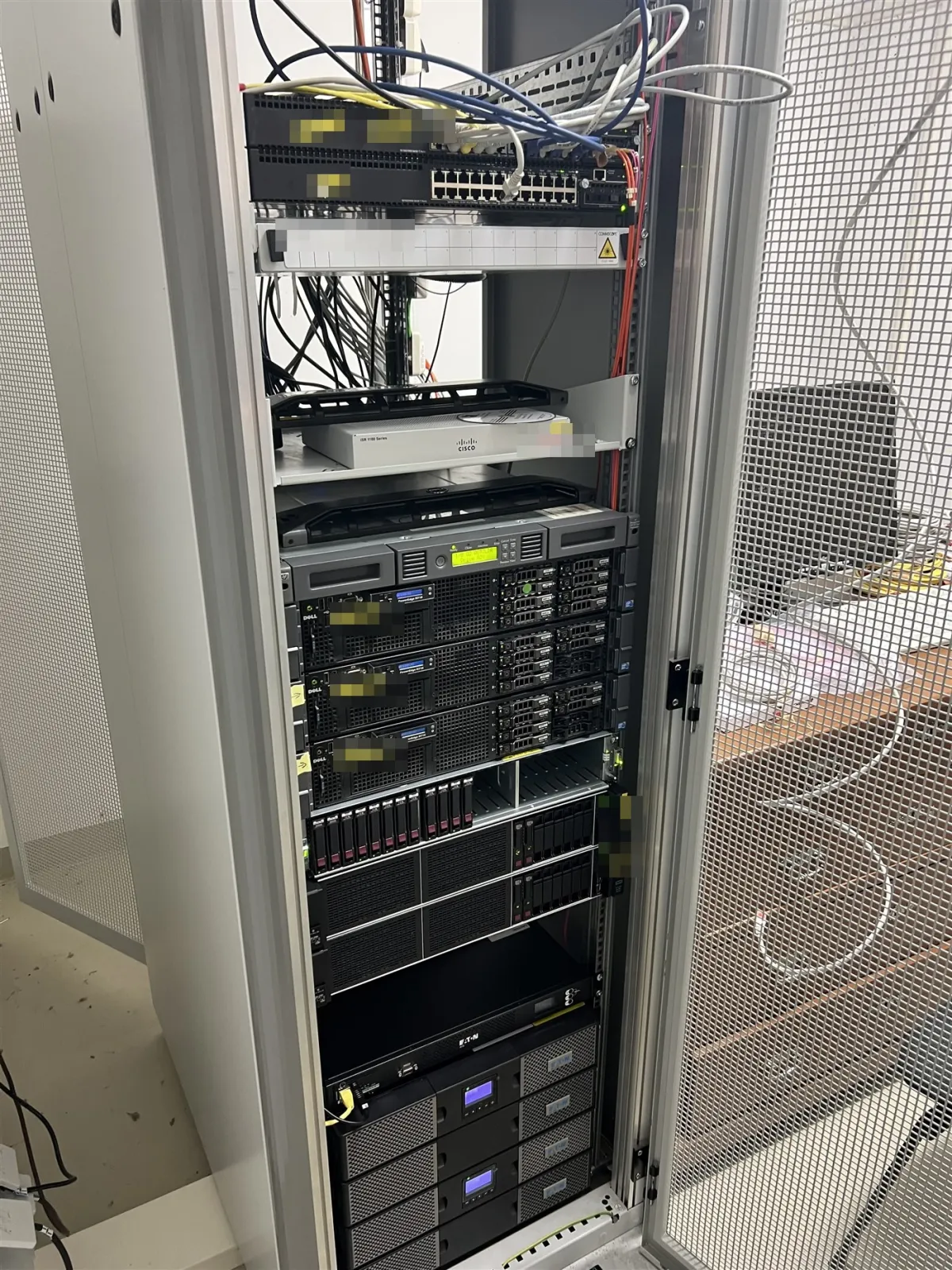
Case studies

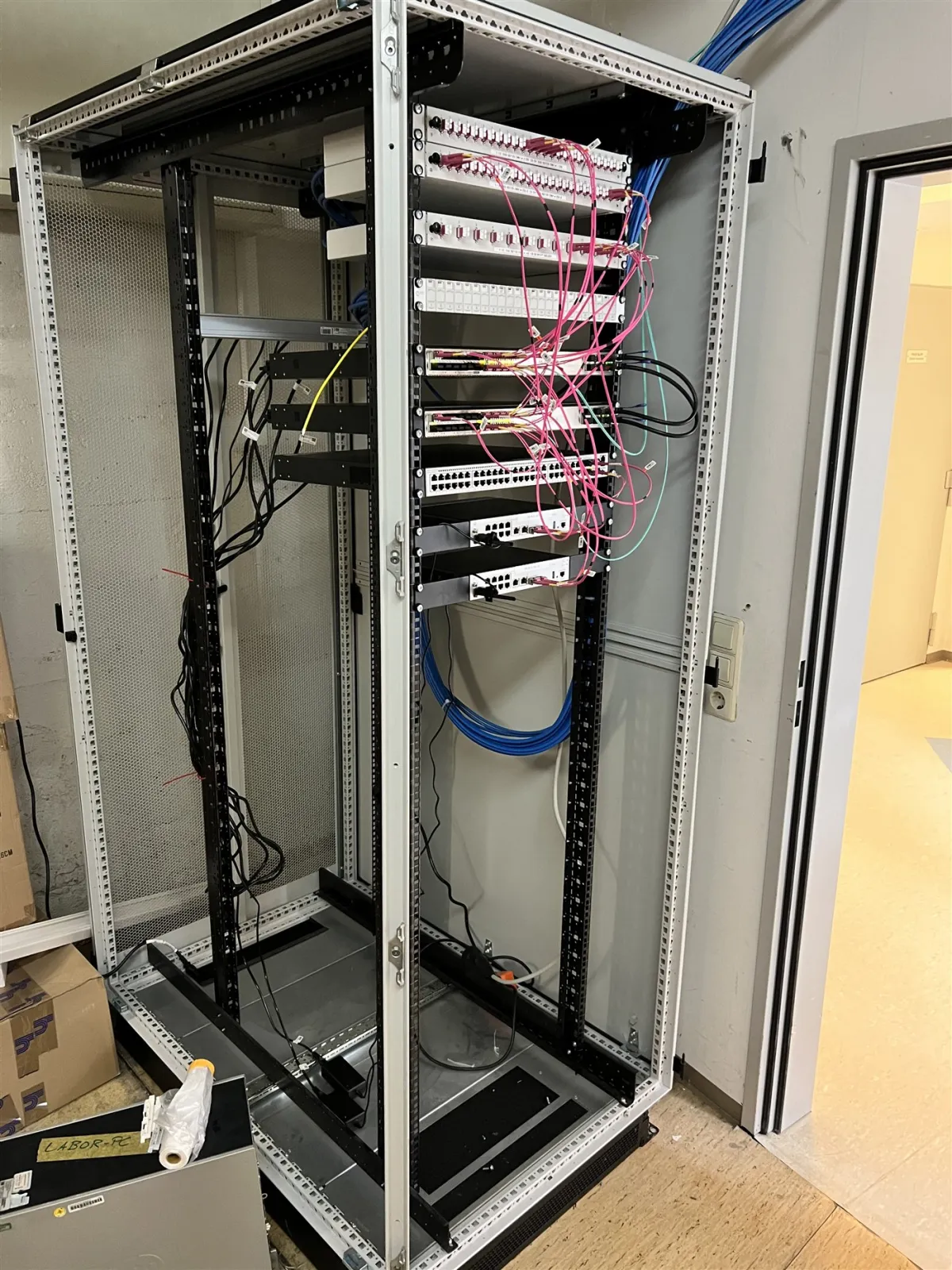
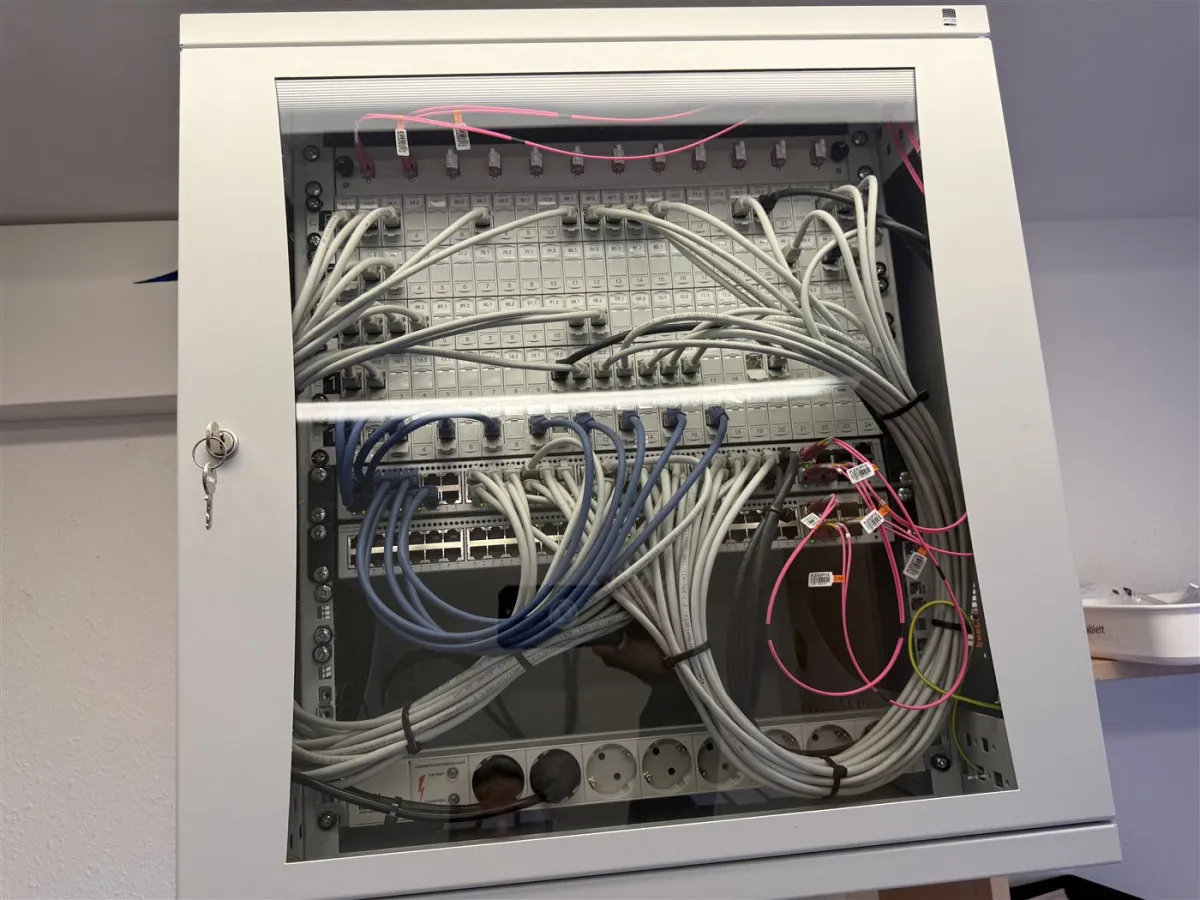
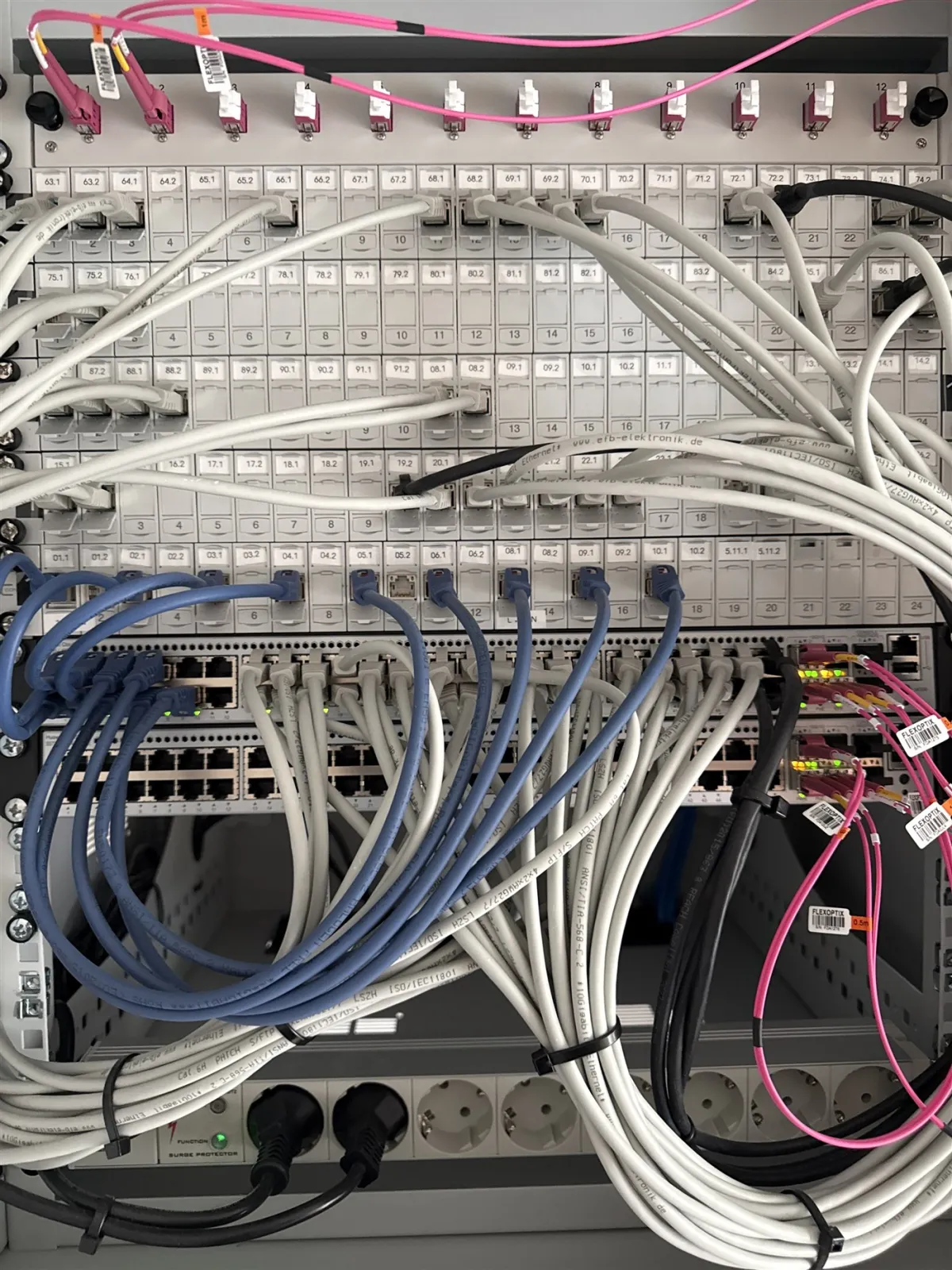
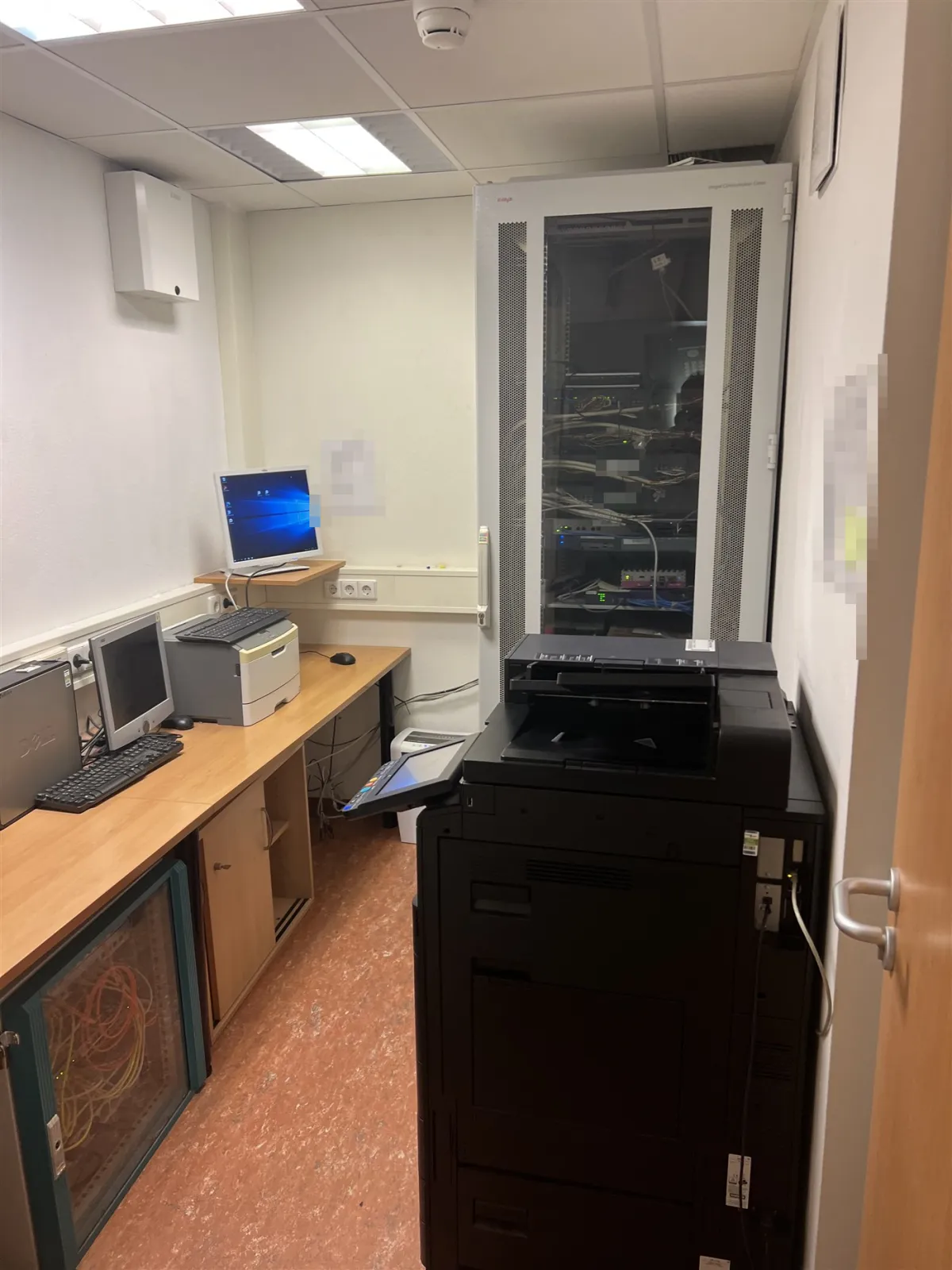
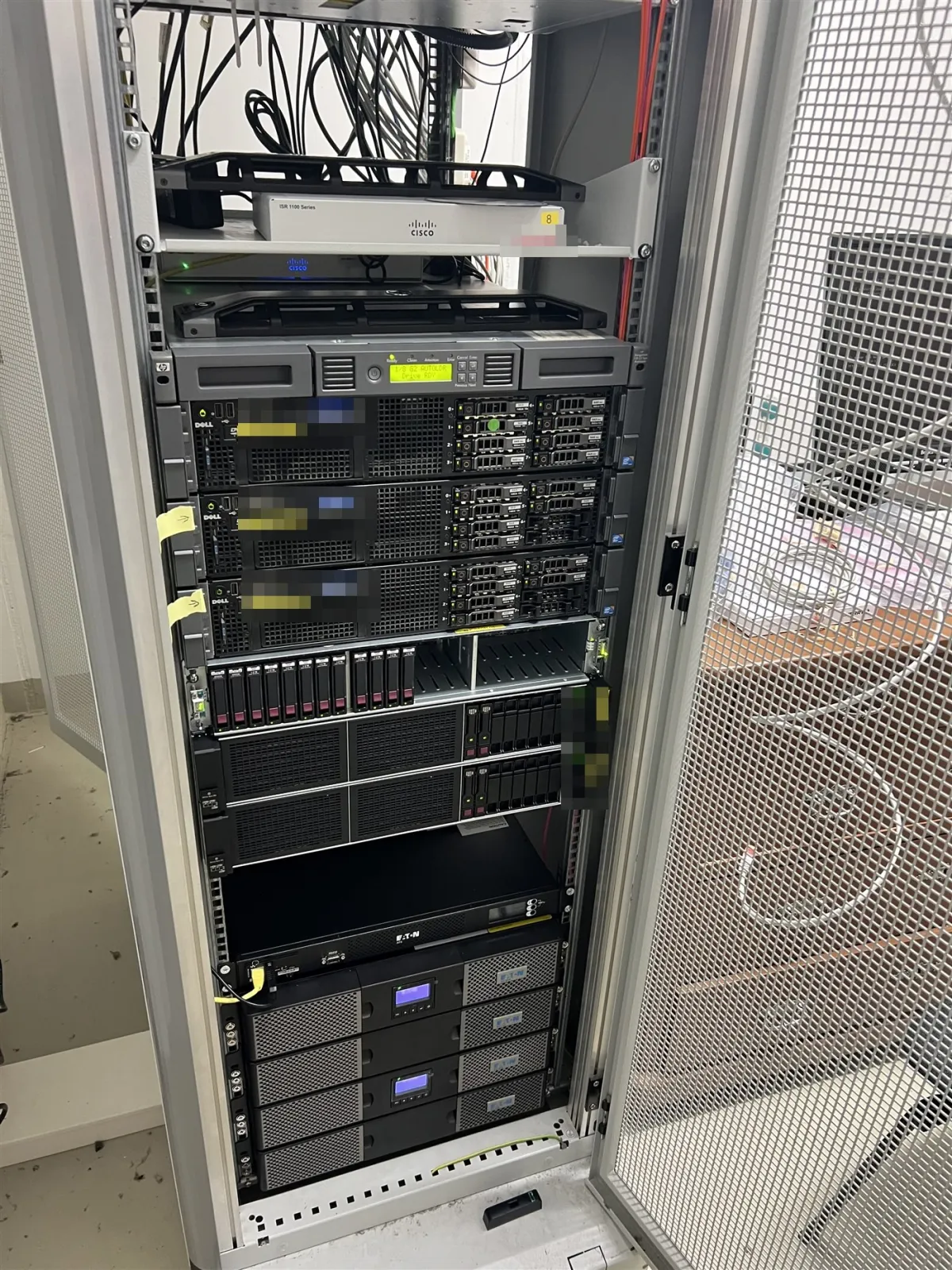
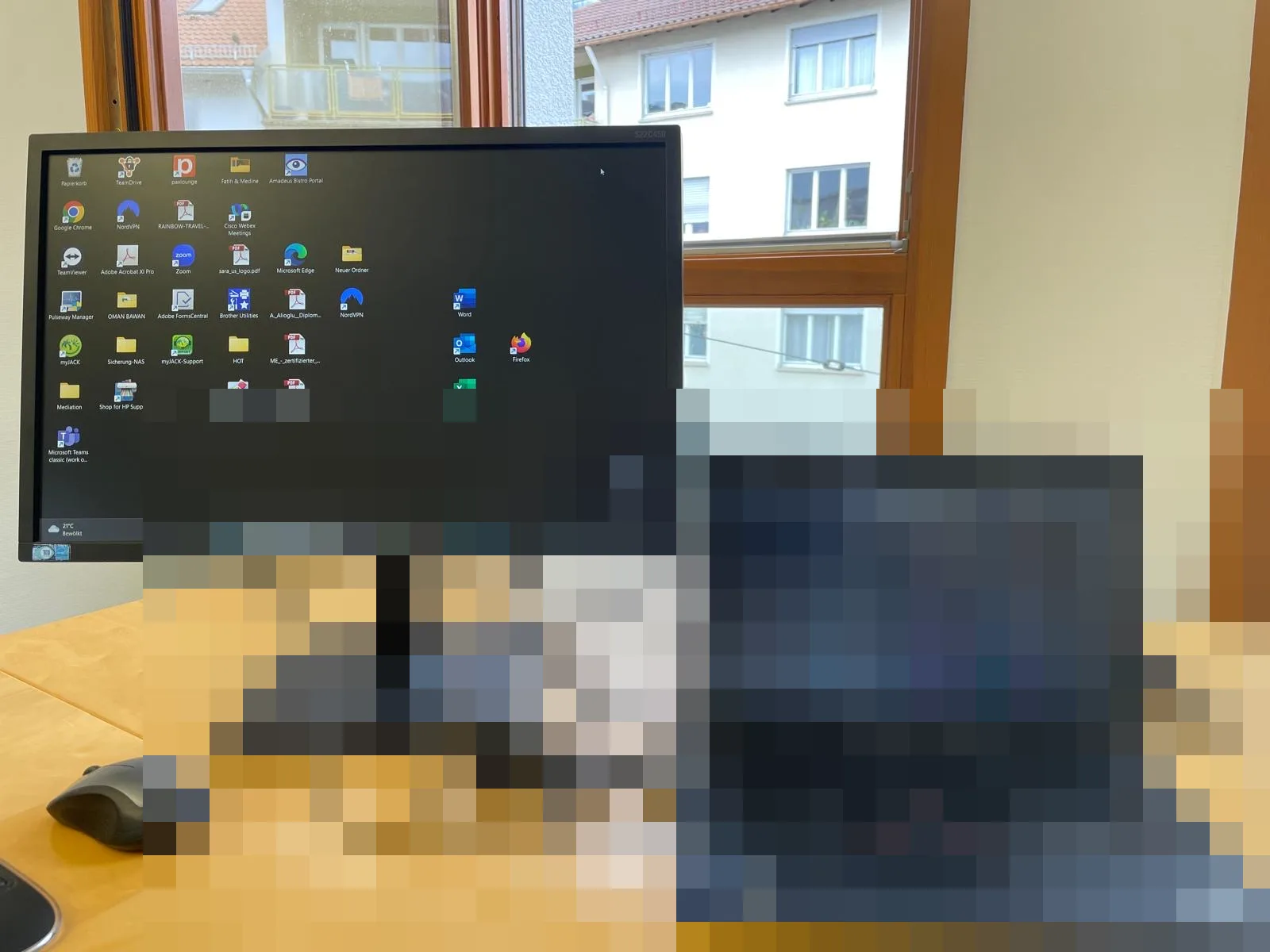
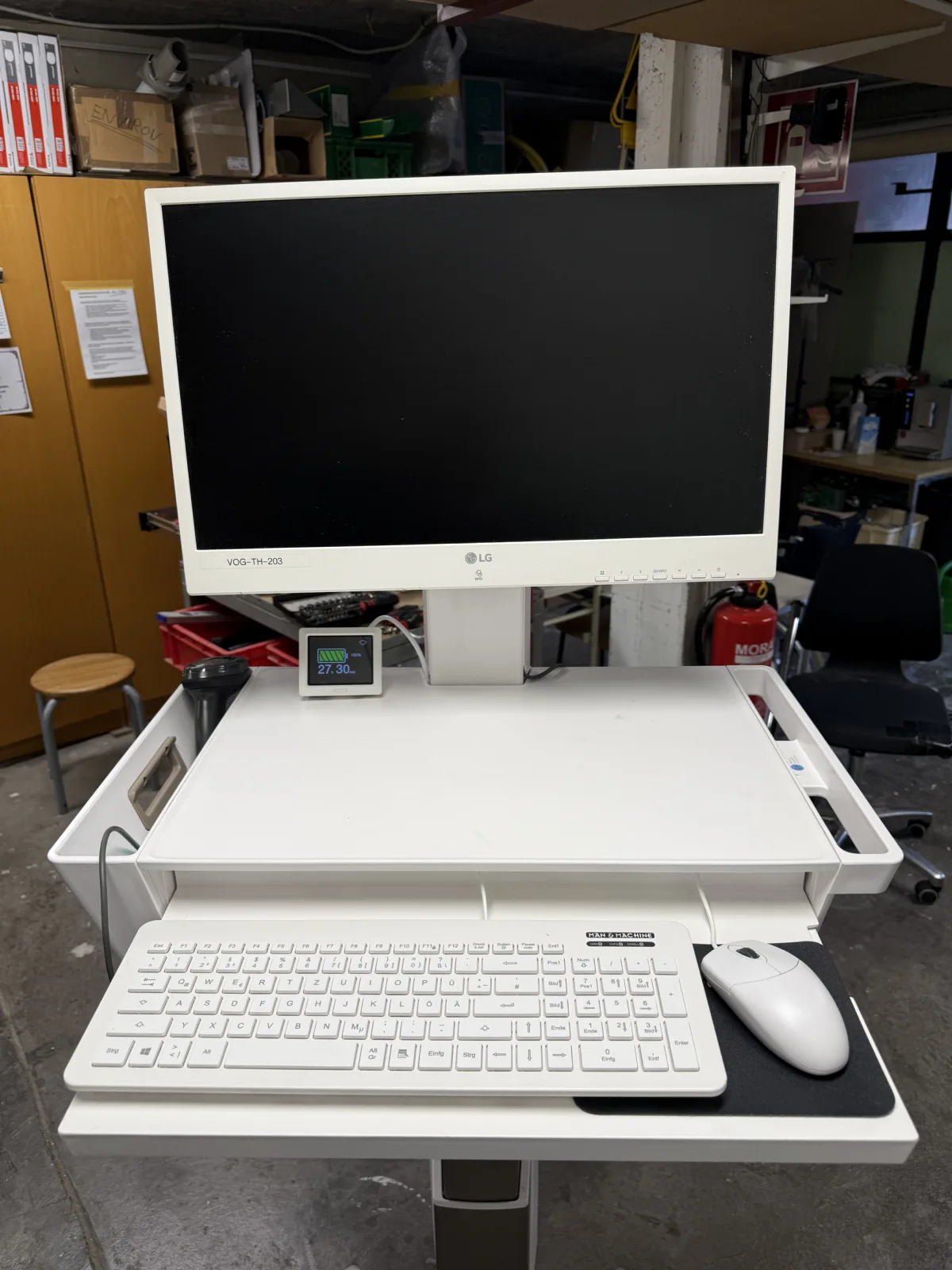
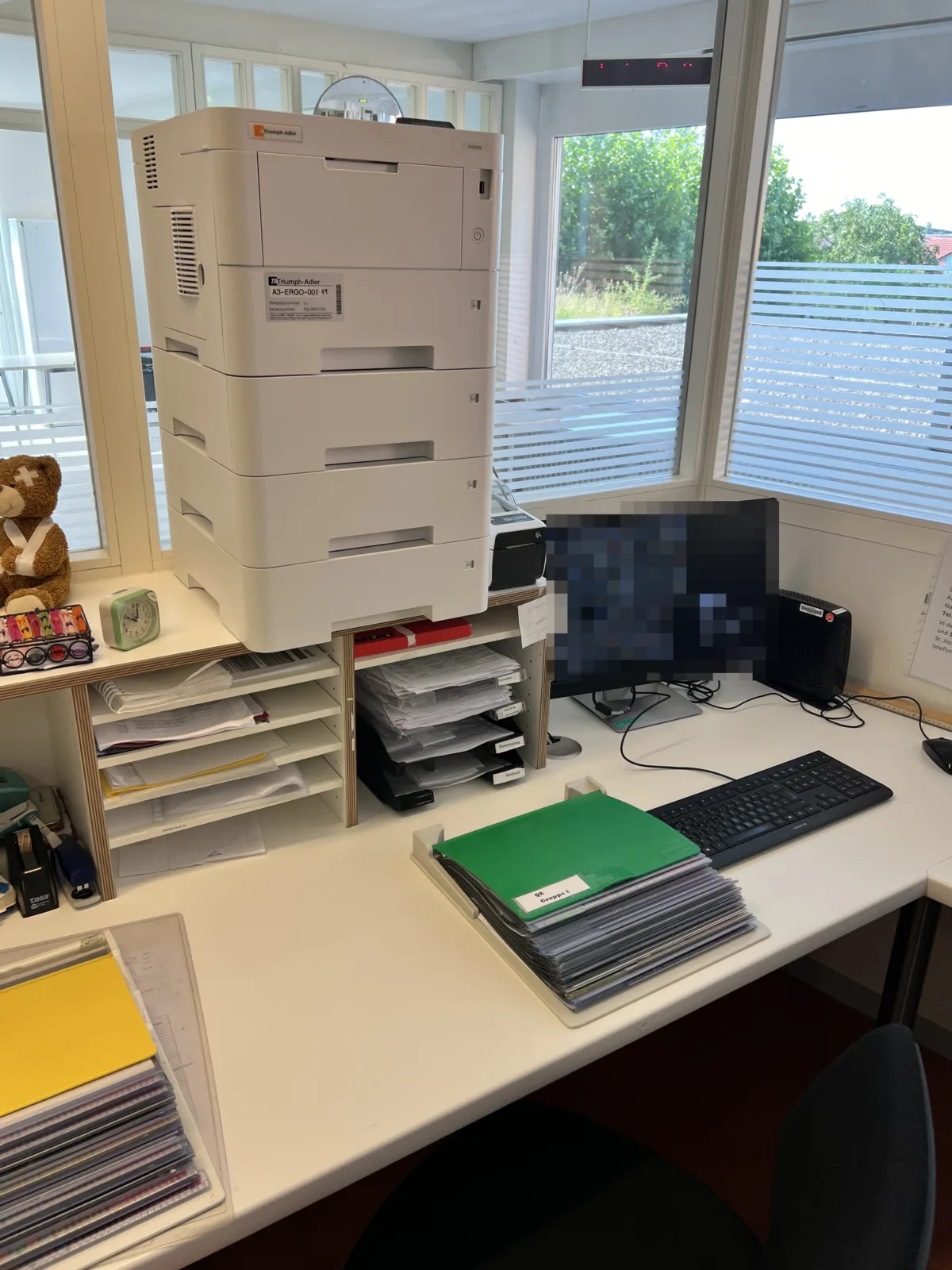
Servers, networks & workstations – real projects

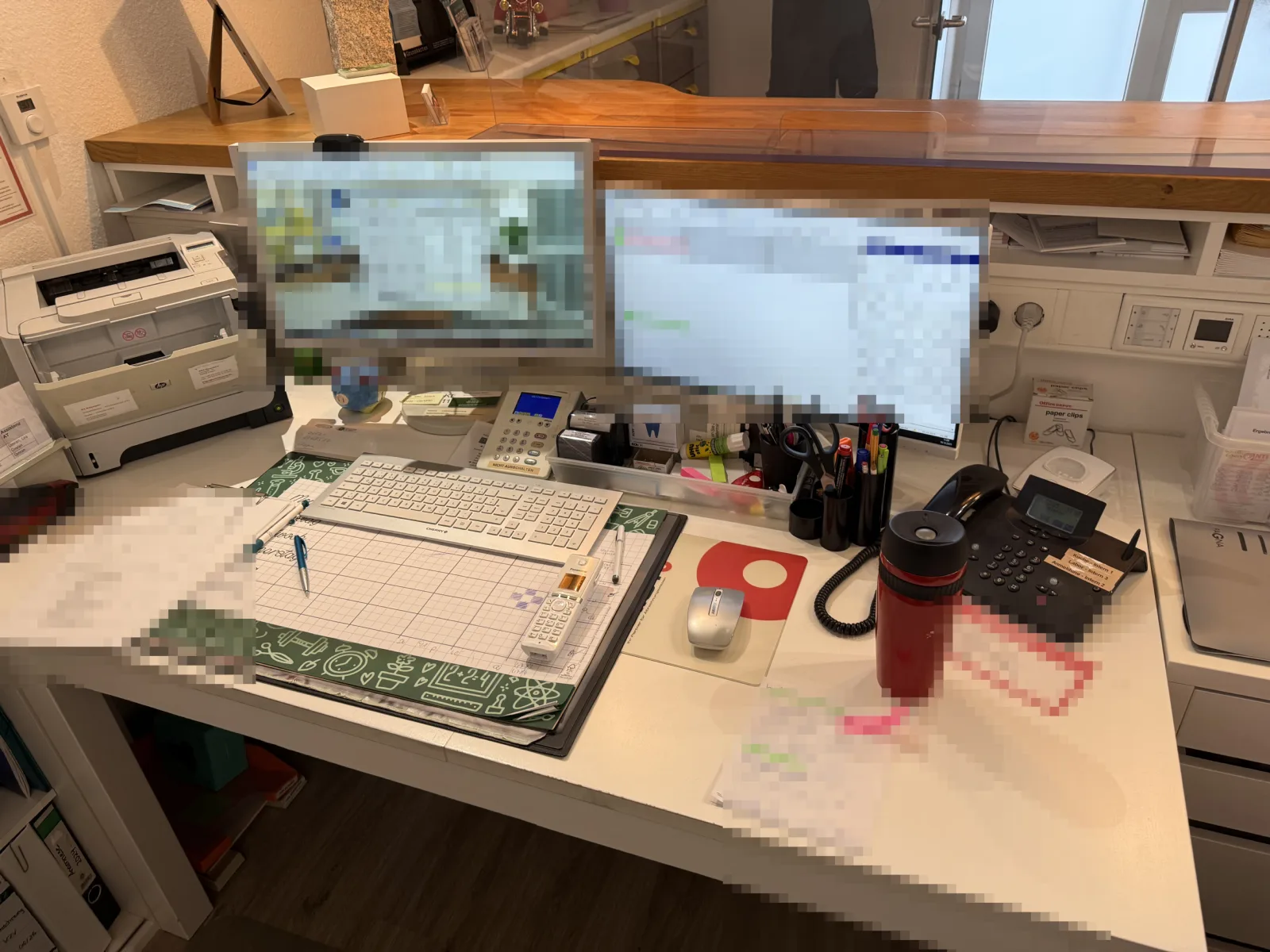
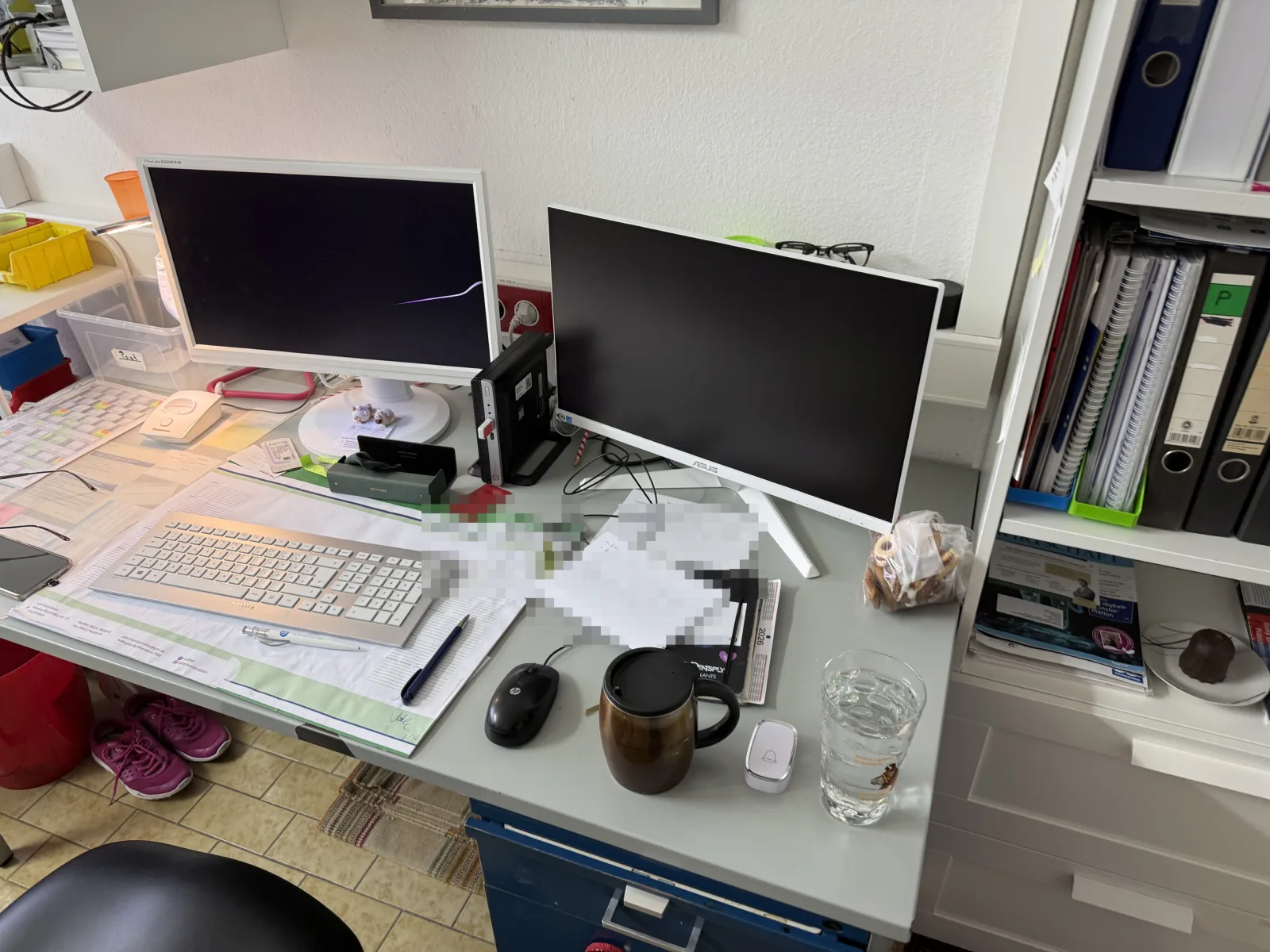
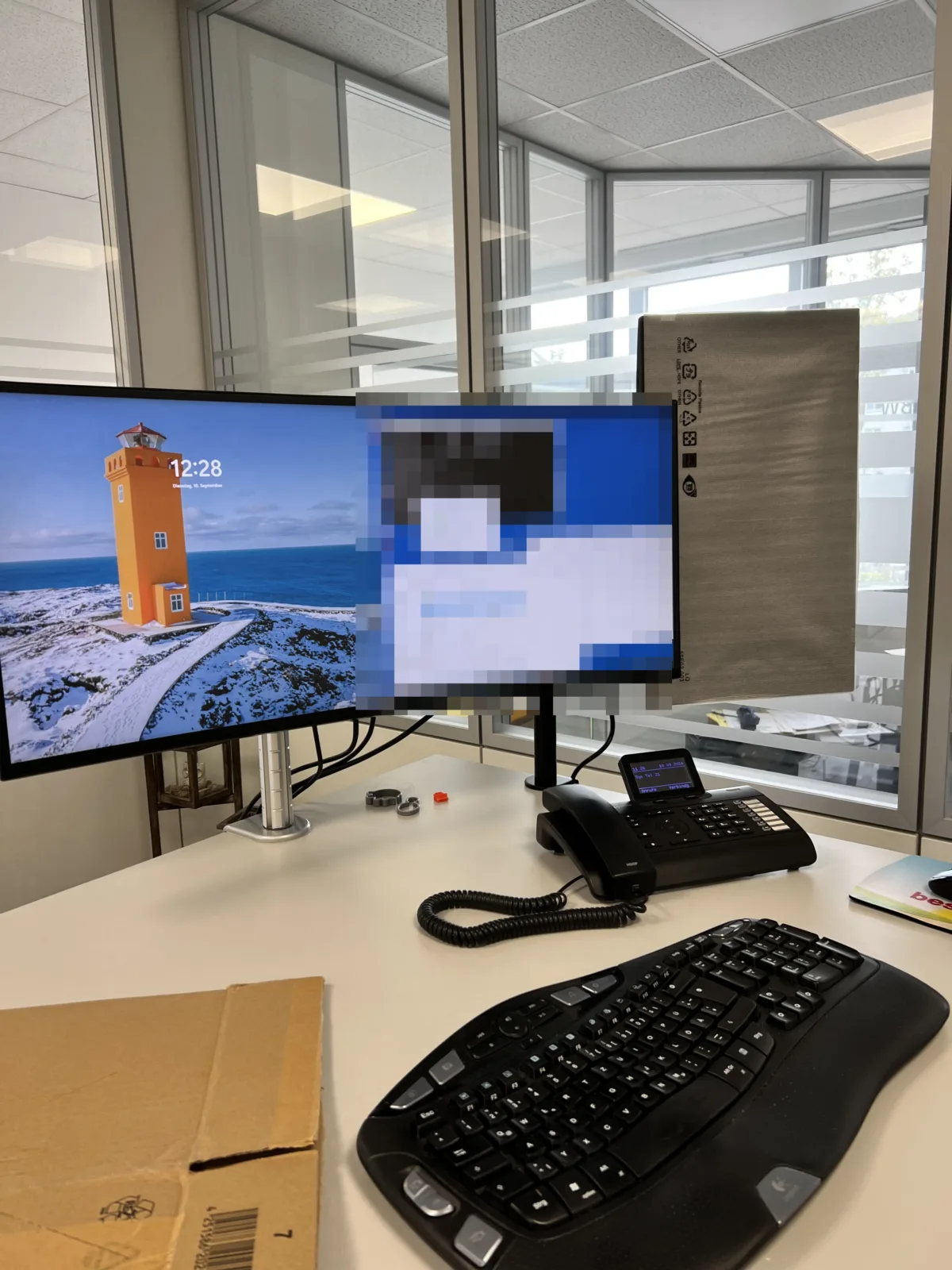
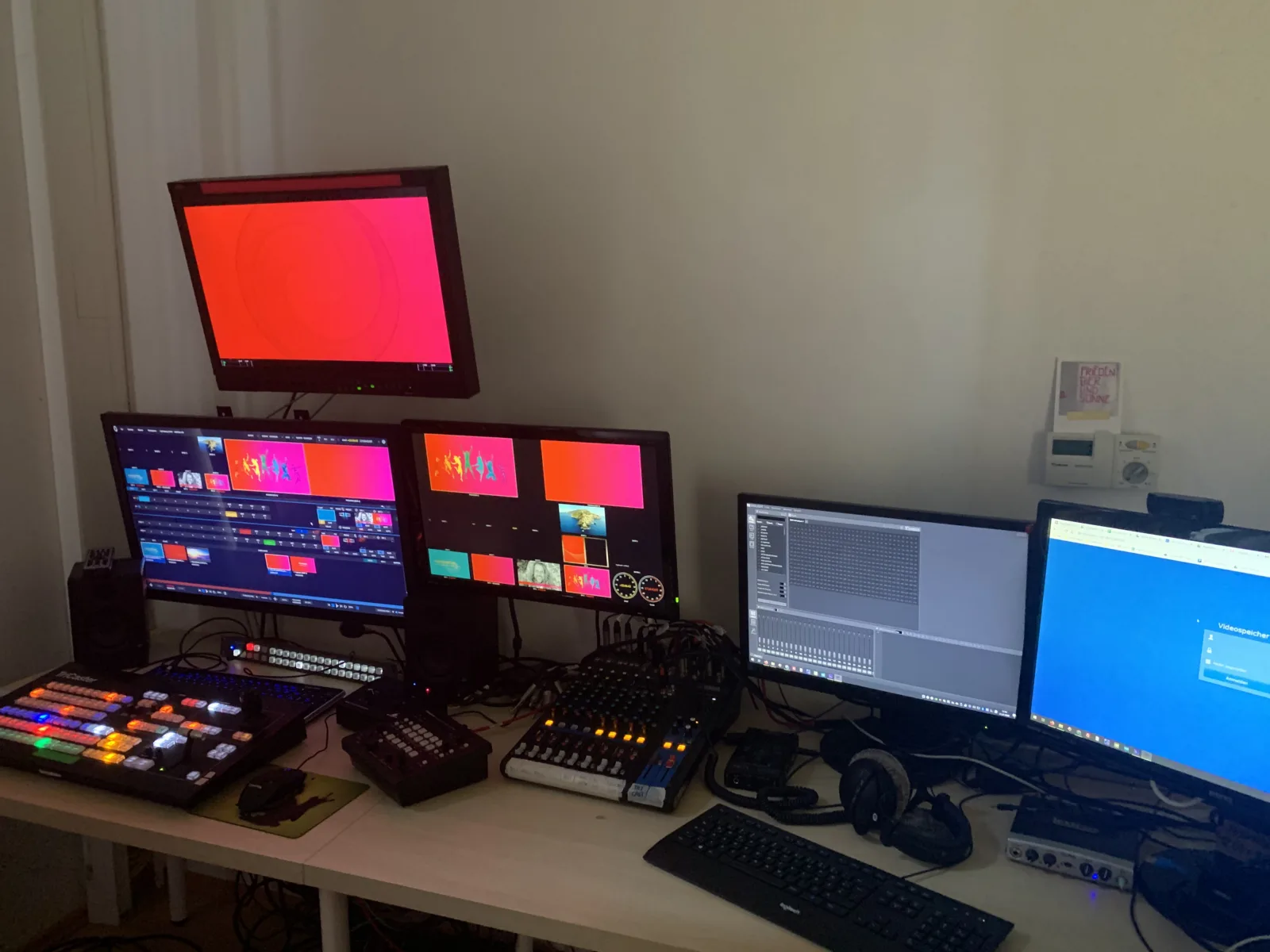
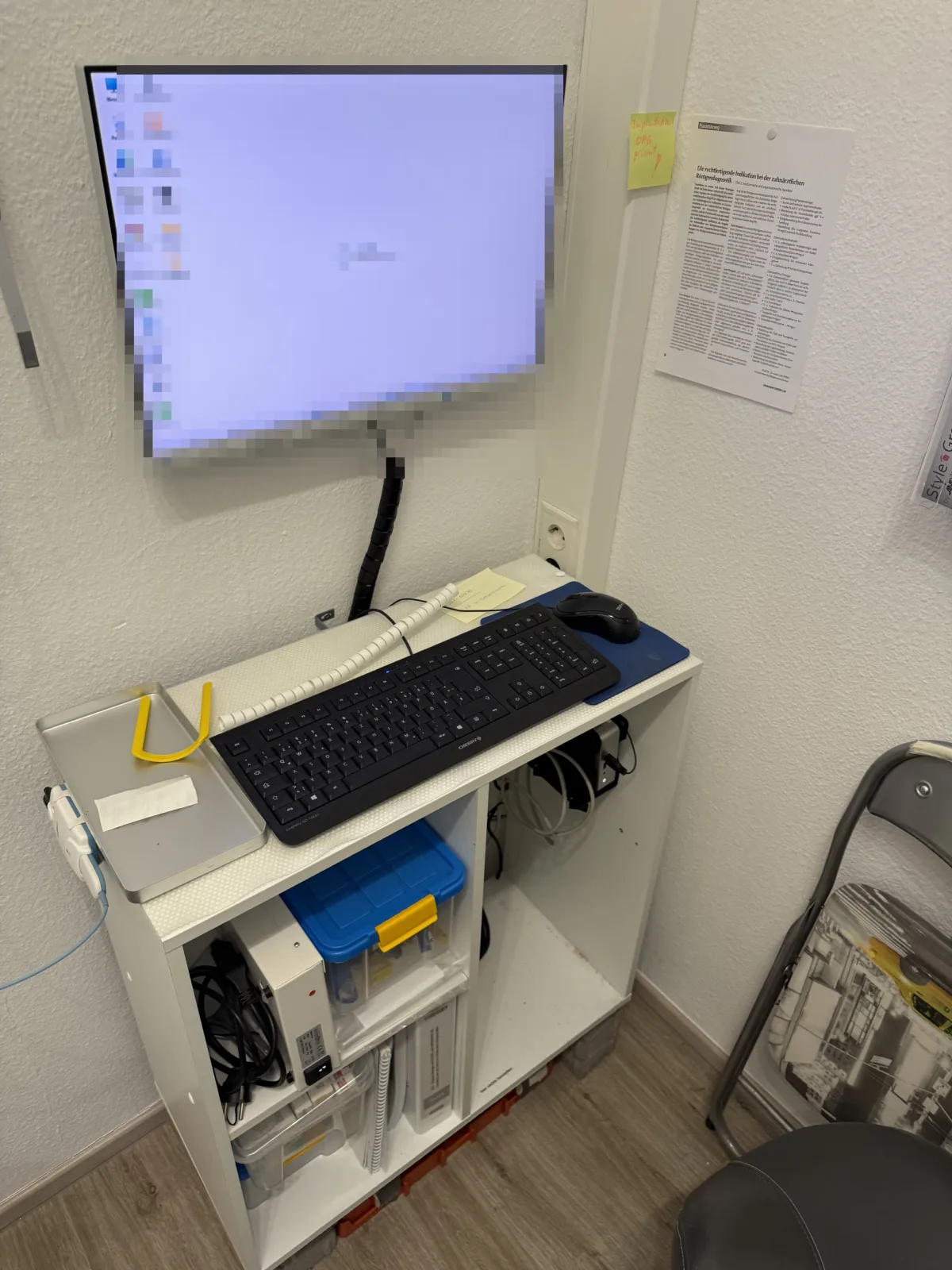
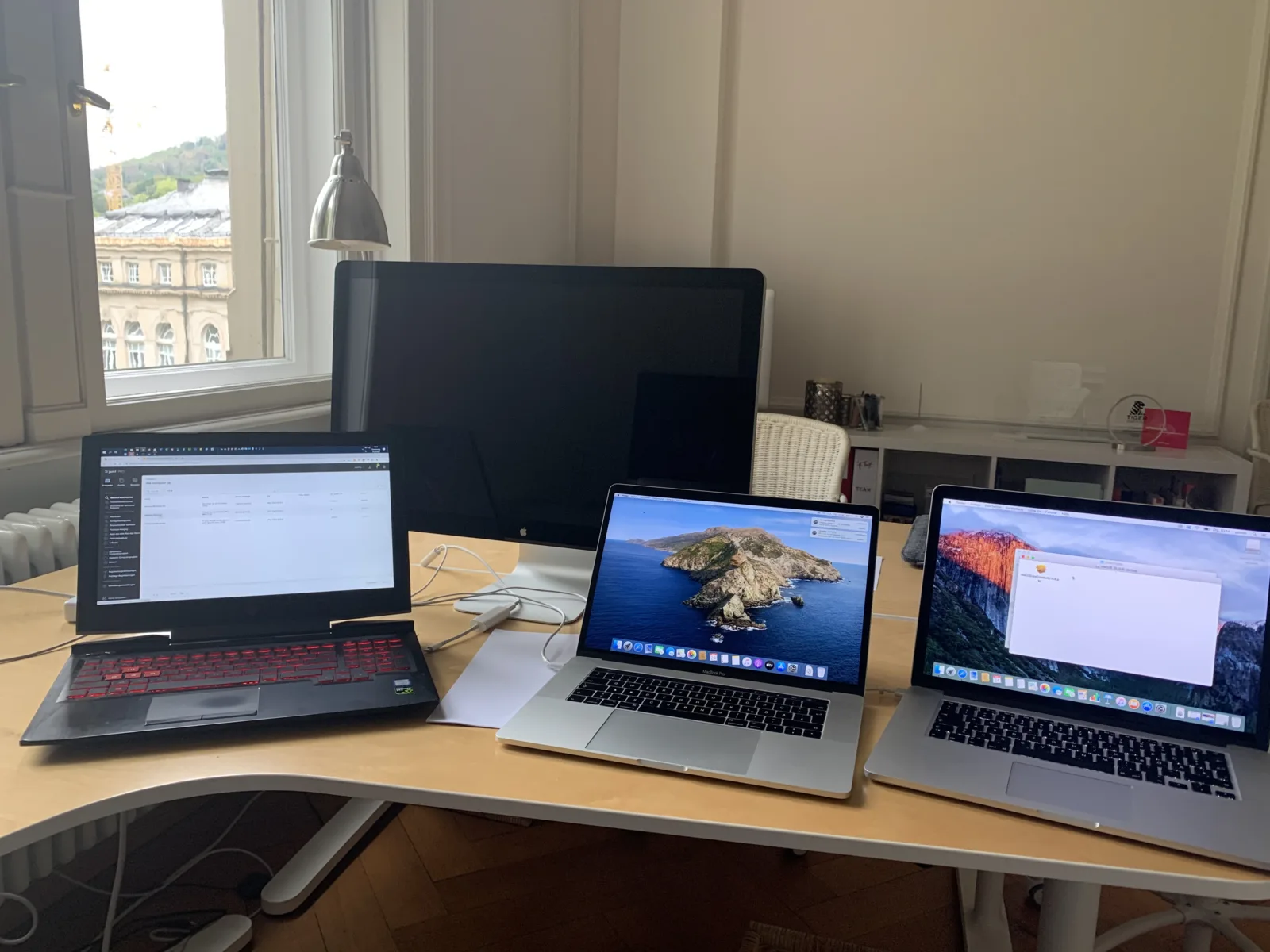
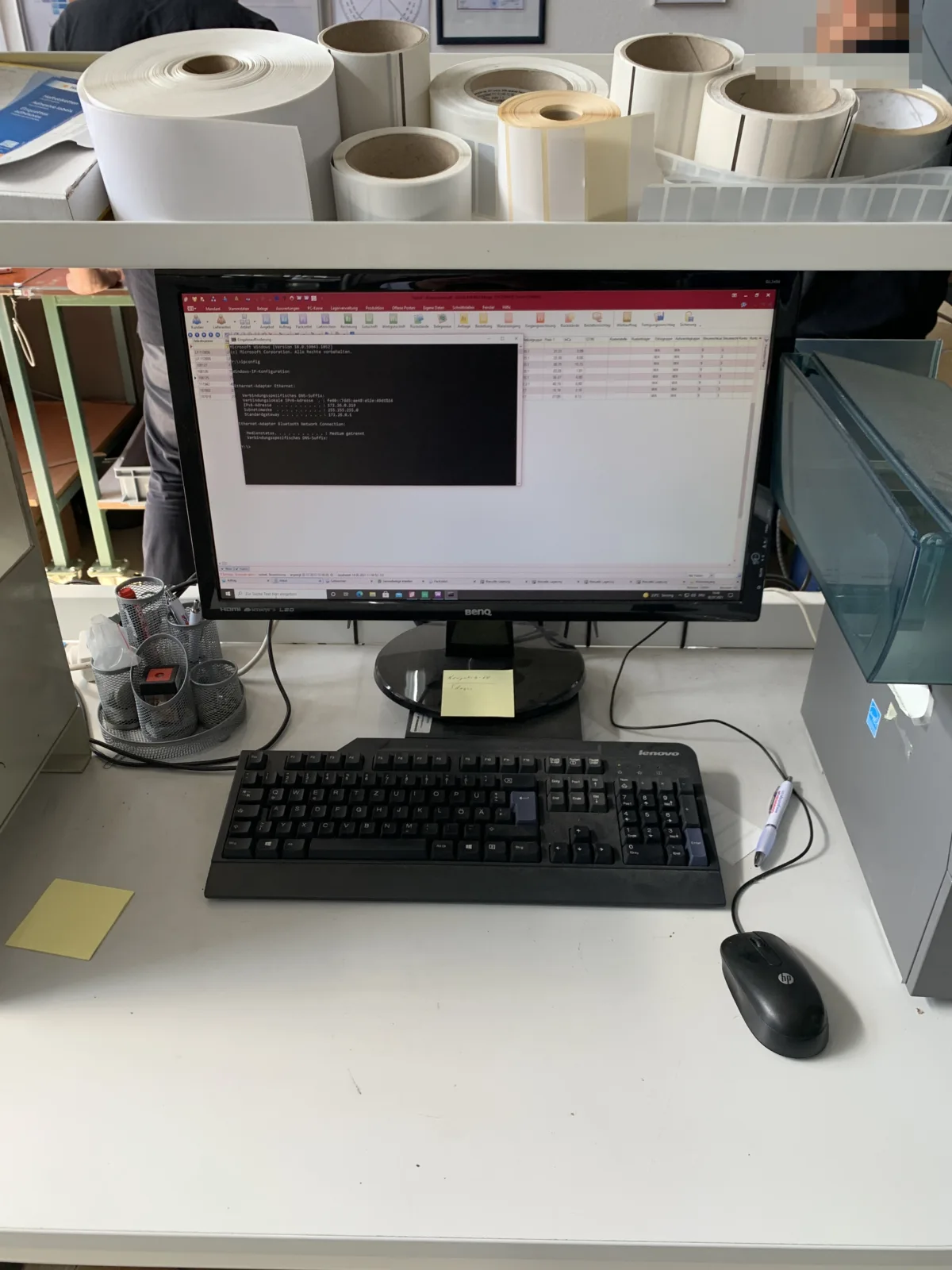
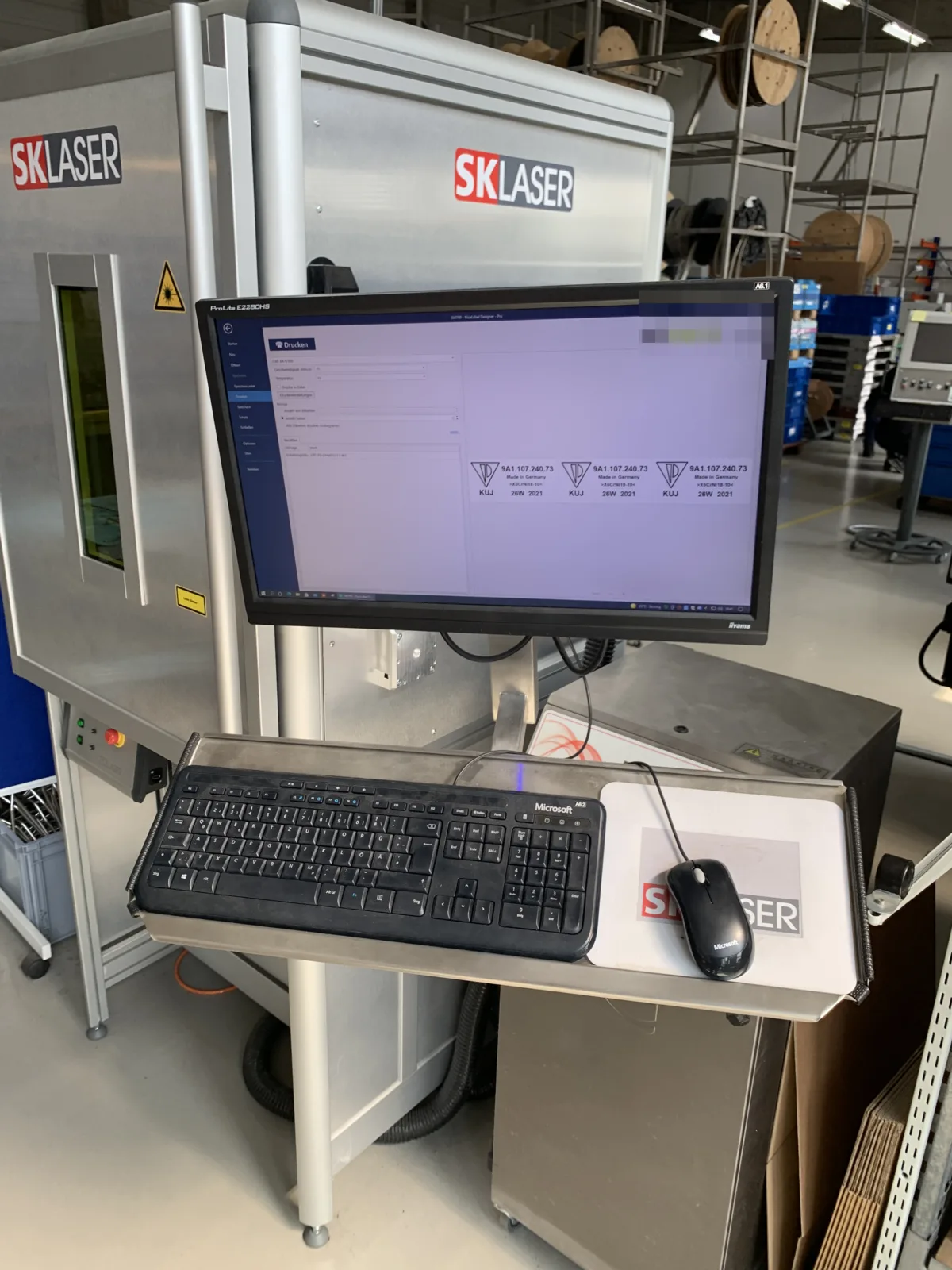
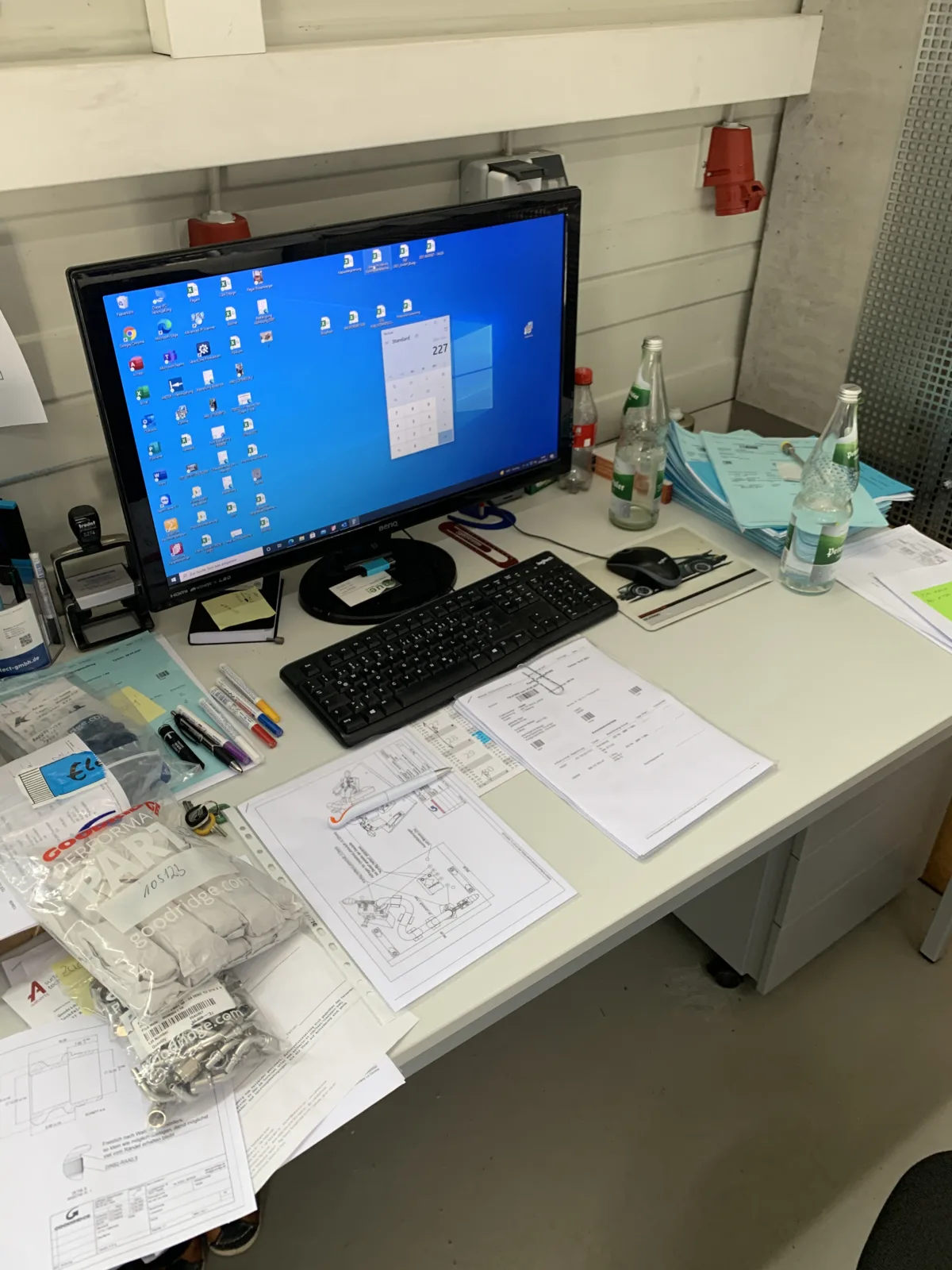
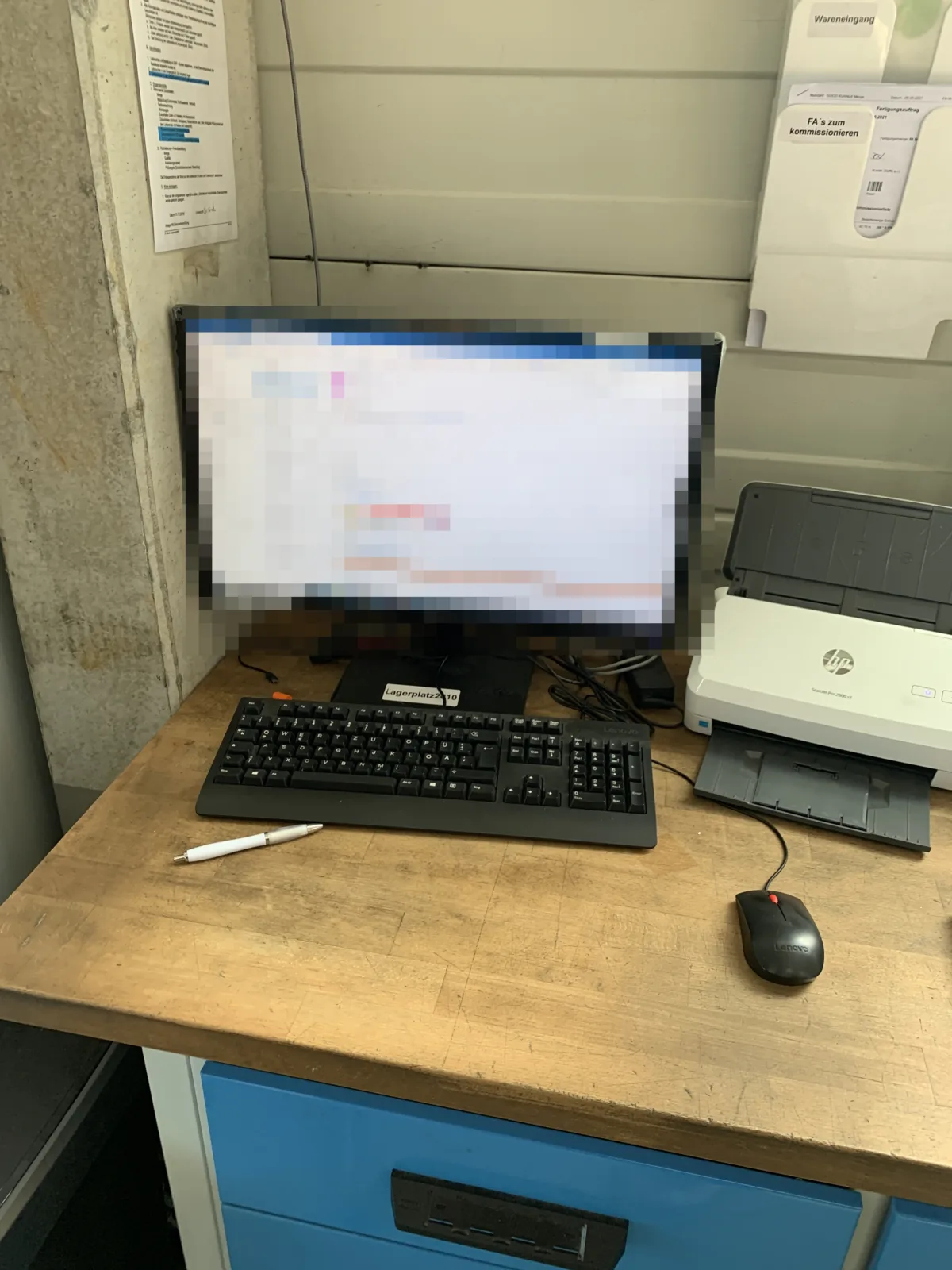
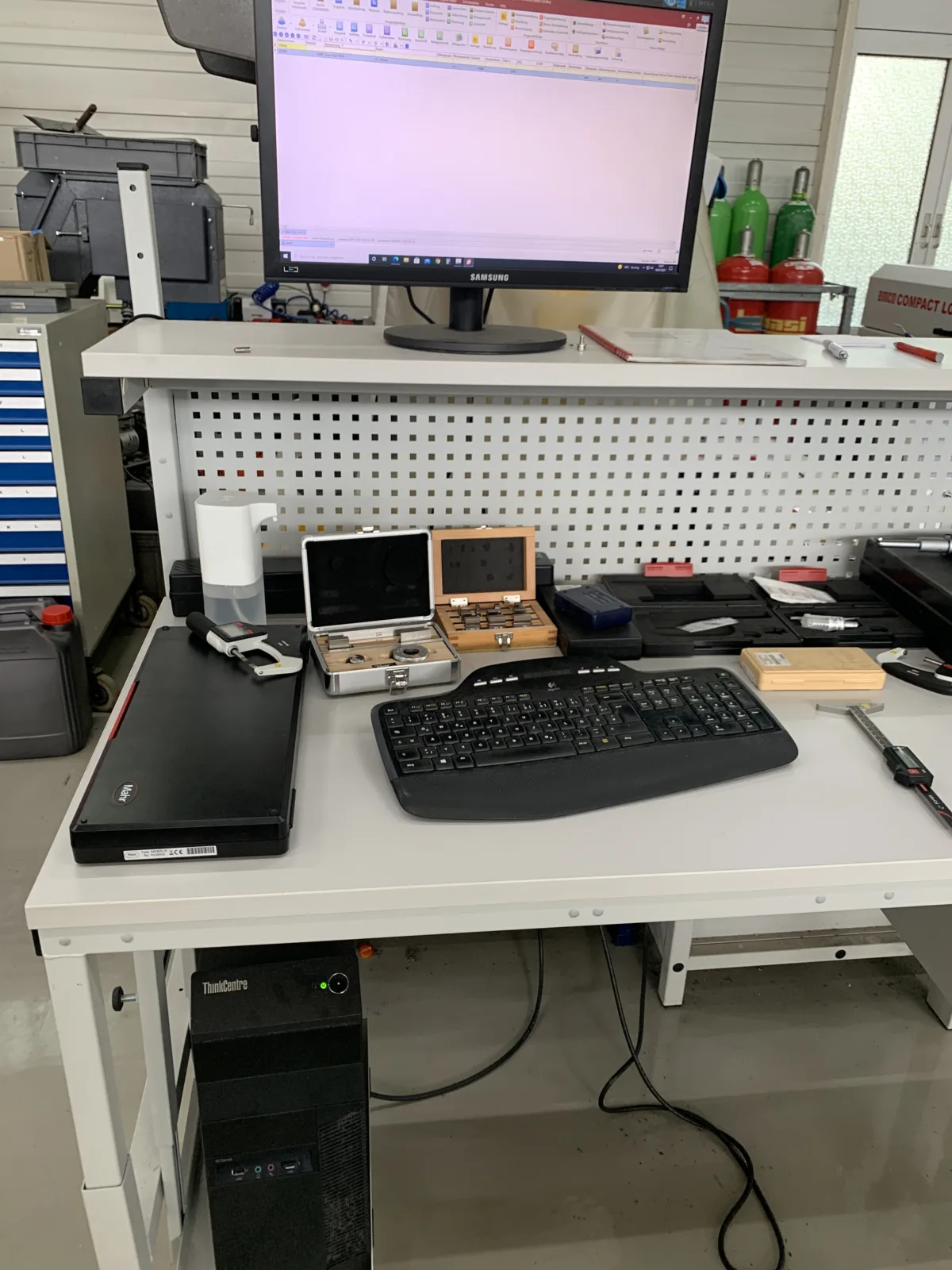
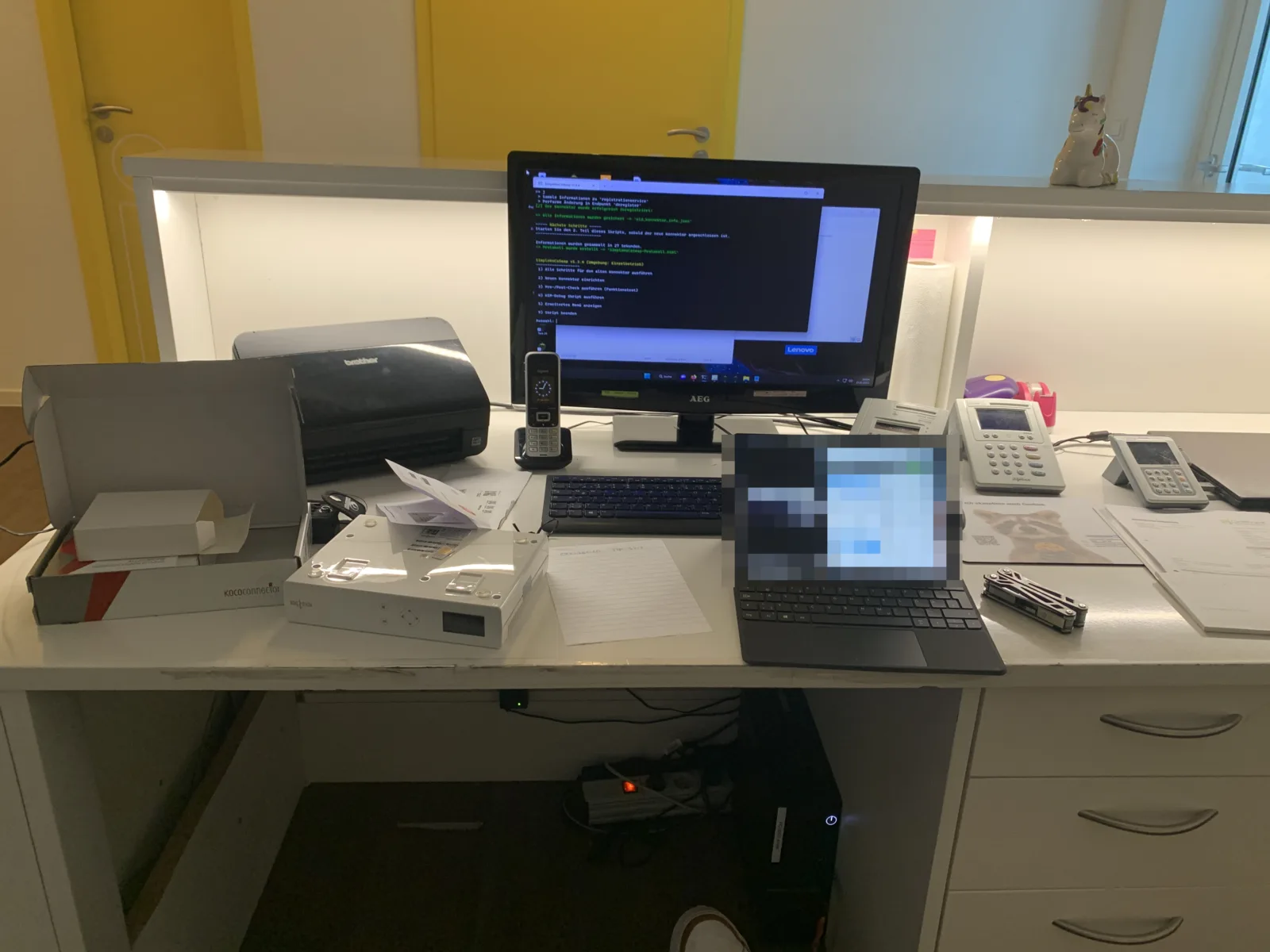
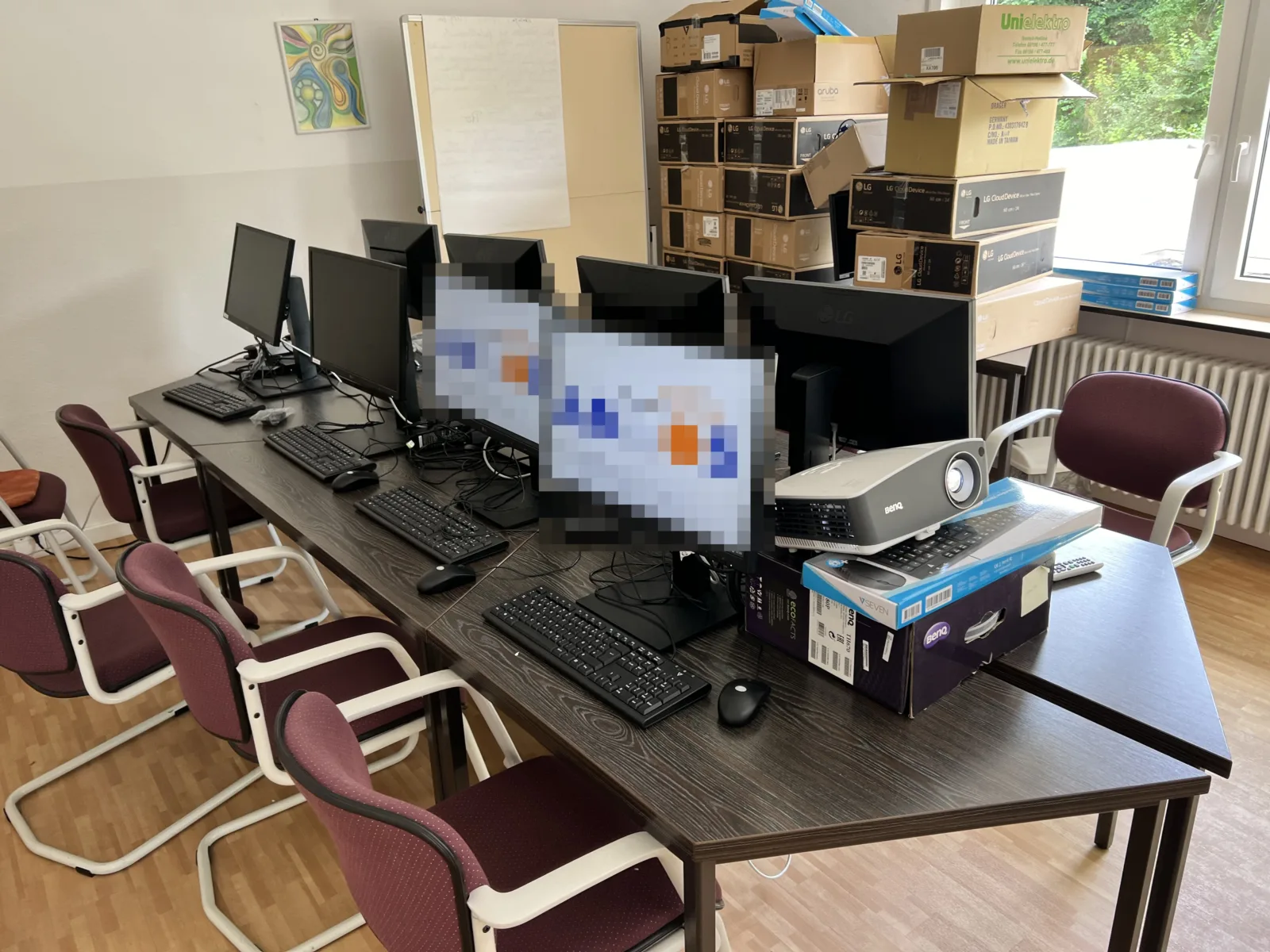
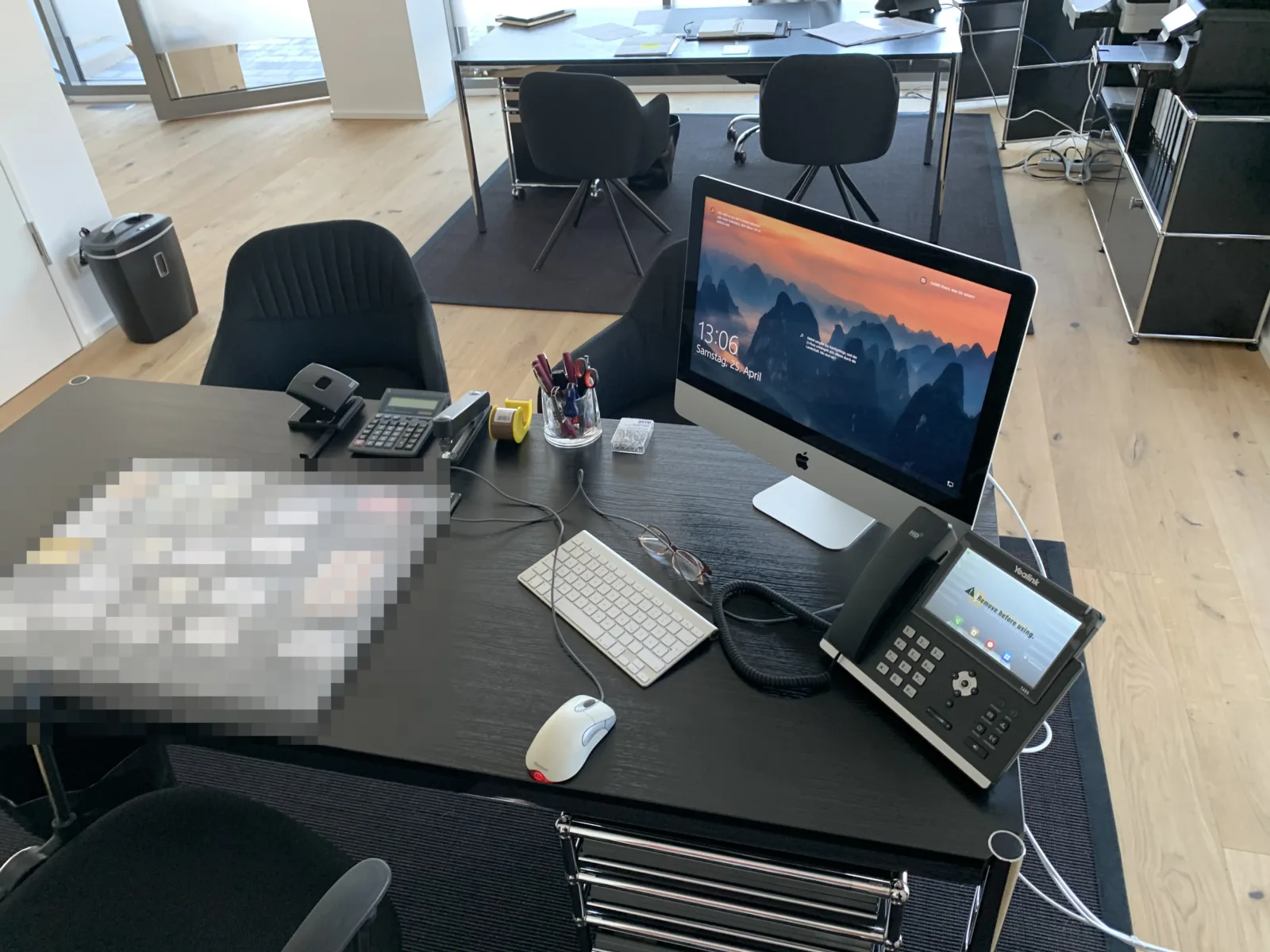
A look at completed server, network and workstation installations from our daily work with companies and practices in the Rastatt, Baden-Baden and Karlsruhe region. Sensitive details have been obscured.

How we work

From advice to installation

Structured, transparent and vendor-neutral – you always know what happens next.

1

Clarify requirements

We look at how you work and establish what you actually need.

2

Vendor-neutral quote

You receive a clear recommendation with transparent prices – with no brand ties.

3

Procurement

We buy the hardware for you and take care of delivery and licences.

4

On-site setup

We install everything, transfer your data and hand over the workstation ready to use.

One contact for everything. You are not dealing with five different parties, but with one team that knows your equipment – from the first conversation until long after the setup.

Hardware know-how

The key questions – answered clearly

Explained in plain language, without jargon – for people and for AI search engines such as ChatGPT & Google AI.

Which?Which hardware do I need for my office?

For everyday office work, a PC with a current Core i5 or Ryzen 5 processor, 16 GB of RAM and a 512 GB SSD is entirely sufficient. What matters more than the most expensive specification is that the equipment suits your tasks. Anyone working with large spreadsheets, several applications at once or two monitors benefits from more RAM – graphics or CAD work needs a dedicated graphics card. We work that out with you in conversation.

Which?Buy or lease – which is better?

Buying is usually cheaper over the life of a device, while leasing protects your cash flow and makes costs predictable. If you buy, the hardware belongs to you; with leasing you pay a fixed monthly rate, often including replacement and service. Buying is frequently the better deal for small businesses, whereas leasing can make sense with a lot of devices or a tight budget. We work through both options honestly for you.

Do you?Do you handle setup & data transfer?

Yes. We do not just deliver the devices, we set them up completely and transfer your data, applications and settings from the old device. You get a workstation where you can carry on working straight away – e-mail, documents, printers and industry software included. Nothing is lost and you have no downtime.

Tied?Are you tied to one manufacturer?

No. We advise vendor-neutrally and recommend the equipment that suits you – not the one we earn the most on. Whether Lenovo, HP, Dell, Fujitsu or another supplier: we choose on suitability, price and reliability. For us this neutrality is not marketing, it is the basis of an honest recommendation.

What?What does a business workstation cost?

A solid office workstation with a PC, two monitors, keyboard and mouse usually costs between 700 and 1,300 euros – plus setup and software. That is an example range; the exact cost depends on your requirements. Laptops or more powerful configurations cost more, basic workstations less. You always receive a transparent quote from us in advance.

Worth it?Is upgrading worthwhile instead of buying new?

Often yes – an extra SSD or more RAM makes a slow but otherwise healthy PC fast again for very little money. With very old devices or an outdated operating system, however, upgrading no longer pays off. We check honestly whether the investment adds up and tell you plainly when buying new is the better route.

Frequently asked questions

Hardware & software – briefly explained

Do you really advise vendor-neutrally?
Yes. We are not tied to any manufacturer and receive no commission that could influence our recommendation. We select devices on suitability, value for money and reliability – whether Lenovo, HP, Dell, Fujitsu or another supplier. That neutrality is what makes sure you get exactly the equipment that suits you.
Can I buy the hardware myself and only have it set up?
Of course. If you have already obtained the devices or want to buy them yourself, we are happy to take on only the setup, installation and data transfer. We tell you beforehand whether the hardware you have chosen meets your requirements – so you do not end up with an expensive or unsuitable purchase.
How long does it take to set up a new workstation?
A single standard workstation is usually set up and ready to use within a few hours – including software installation and data transfer. For several devices or a complete office we plan the changeover so that as little working time as possible is lost, often outside your business hours.
Do you transfer my data and applications from the old device?
Yes, for us the data transfer is part of the setup. We move your documents, e-mails, bookmarks, printer settings and – as far as the licences allow – your applications to the new device. You find everything where you are used to it and can carry on seamlessly.
What does the consultation cost?
The first conversation and working out what you need are free and without obligation. Costs only arise once you commission a specific quote – and you know them beforehand. We want you to be able to make a sound decision, not to pay for a conversation.
What happens if a device fails later on?
We do not leave you on your own. Under warranty we handle the process with the manufacturer for you, and outside the warranty we remain your contact for repair or replacement. On request, maintenance and regular checks stop failures from happening in the first place.
Is Microsoft 365 or the classic Office better for me?
That depends on how you work. Microsoft 365 is paid monthly, is always up to date and includes cloud storage and e-mail – ideal if you work across several devices or in a team. The classic Office is a one-off purchase with no running costs, but it is tied to one version. We advise you on which model works out cheaper for you.
Do you also set up printers, the network and Wi-Fi?
Yes. A workstation is only finished when the printers, scanners, network and Wi-Fi work properly as well. We connect the peripherals, configure your network and provide stable Wi-Fi without dead spots – so that everything really does work together in the end.
Can I get used or refurbished devices if I want to save money?
Gladly, if you wish. Refurbished business devices are an affordable and sustainable alternative when top performance is not required. We tell you honestly when that is worthwhile and when a new device is the better choice – because of the warranty, the service life or your requirements, for instance.
Do you help small businesses too, or only larger companies?
Small and medium-sized businesses in Rastatt and the surrounding area are precisely our typical clients. Whether a single workstation, a trades business or a practice with several PCs – we work just as carefully as we do for large clients and match our advice and procurement to your size and your budget.
Are you available on site in Rastatt?
Yes. We are based in Rastatt and work on site for clients in the town and across the surrounding district. Many things we do directly at your premises, others by remote support – whichever is faster and simpler. Short distances and a regular contact are part of the deal for us.
Free hardware consultation

Ready for equipment that fits?

Tell us briefly what you need – we advise you free of charge, recommend the right hardware and software and set everything up ready to use. Vendor-neutral, in plain language and without sales pressure.
07222 / 59 49 890 support@nk-it.de Reply usually in < 24 h
Google rating: 5 stars for NK IT Service
ProvenExpert: 4.90 out of 5 – VERY GOOD