Rauentaler Str. 22/1, 76437 Rastatt Mon–Fri 9:00 am–5:00 pm
Home
Case studies News
Send enquiry
Content management system (CMS) · Rastatt

WordPress CMS: edit your text yourself – online in 2 minutes.

Don't rent a website you have to hand back every time something small changes. With a content management system you edit text, images and prices yourself – visible straight away, with no agency and no waiting. A short personal training session is included: anyone who can write an email can handle it.

No coding needed Training included
2 minfrom idea to live
0coding skills needed
includedshort personal training
instantyour change is live
2,000+
Satisfied customers
since 2006
in Rastatt
4.9 ★
Google rating
< 24 h
Response time
The system behind it

Your content management system is WordPress

A content management system is the software you use to look after your website. We rely on WordPress – the world's most widely used CMS. More than 40 per cent of all websites run on it, from the local tradesperson to the corporate group. For you that means proven technology, a huge ecosystem and no dependence on a single supplier.

  • Market leader with a future – over 40 % of all websites worldwide, proven for more than 20 years.
  • Huge ecosystem – over 60,000 extensions for almost any function, from shop to booking.
  • Extendable to your needs – on request we program bespoke functions directly into WordPress.
  • No vendor lock-in – the content and the logins belong to you. Any agency will find its way around at once.
  • Multilingual & strong on SEO – set up cleanly for Google, in several languages on request.
  • Works like a word processor – we set it up so that you only see what you actually need.
Free CMS demo
Made to measure

Beyond standard: your own WordPress environment

Sometimes an off-the-shelf plugin is not enough. In that case we build exactly the function your business needs on top of WordPress – as a bespoke extension, as an interface or as a separate back end. You carry on working in the familiar interface and gain functions no standard product offers.

  • Bespoke plugins & functions – cut exactly to your workflow instead of an off-the-shelf compromise.
  • Interfaces (API) – connect WordPress to your ERP system, CRM, calendar or DATEV.
  • Custom input forms – your staff maintain even complex content in a few clicks.
  • Maintenance included – we keep your custom solution running and up to date.
Discuss your project
CMS services

Your content, easily under control

WordPress is the world's most widely used CMS – flexible, extendable and easy to get started with. We set it up so that you can work with it confidently.

WordPress setup

The world's leading CMS, set up cleanly for you: fast, secure and configured precisely to your needs.

  • Clean installation
  • Sensible plugins
  • Securely configured

Simple editing

Edit content visually – no code. You see straight away how your page looks while you work on it.

  • Visual editing
  • Ready-made blocks
  • Live preview

Introductory training

Once the site is handed over we show you in person how to look after text, images and pages yourself – clearly and at your own pace.

  • Personal training
  • Explained in plain language
  • Step-by-step guide

We-maintain-it service

No time or no inclination? Send us your content – we put it in place professionally. Maintenance on subscription, as much or as little as you like.

  • Content maintained by us
  • Quick turnaround
  • Flexible subscription

Multiple languages

Your website in several languages – cleanly structured, easy to maintain and correctly implemented for search engines too.

  • Multilingual content
  • Language switcher
  • SEO per language

Legal compliance

Legal notice, privacy policy, cookie banner and accessibility correctly built in – so your site stays on the right side of the law.

  • Legal notice & privacy
  • Cookie consent
  • BFSG / accessibility

Migration & relaunch

Move from another system or an outdated site to WordPress – content included and without losing rankings.

  • Move to WordPress
  • Content carried over
  • Rankings preserved

Updates & backups

A CMS needs looking after. We keep WordPress, plugins and themes up to date and run daily backups – entirely on your behalf if you wish.

  • Automatic updates
  • Daily backups
  • Security monitoring
Your choice

Maintain it yourself – or leave it to us

Both work equally well and you can switch at any time. All that matters is what fits your working day.

You maintain it yourself

You are at the wheel: changes go live immediately, with no order form and no waiting. Don't worry – you can do this.

  • Personal training included – confident in about an hour
  • A tidy, simple interface with no technical clutter
  • Help from us whenever you get stuck

We take care of it

You concentrate on your business, we look after your content – professionally formatted and with an eye for detail.

  • Email us your changes – informally, a photo is fine
  • We implement them cleanly, image editing included
  • Response time usually under 24 hours (working days)

A mix works too: you change small things such as opening hours yourself, we handle larger rebuilds – and you can switch at any time.

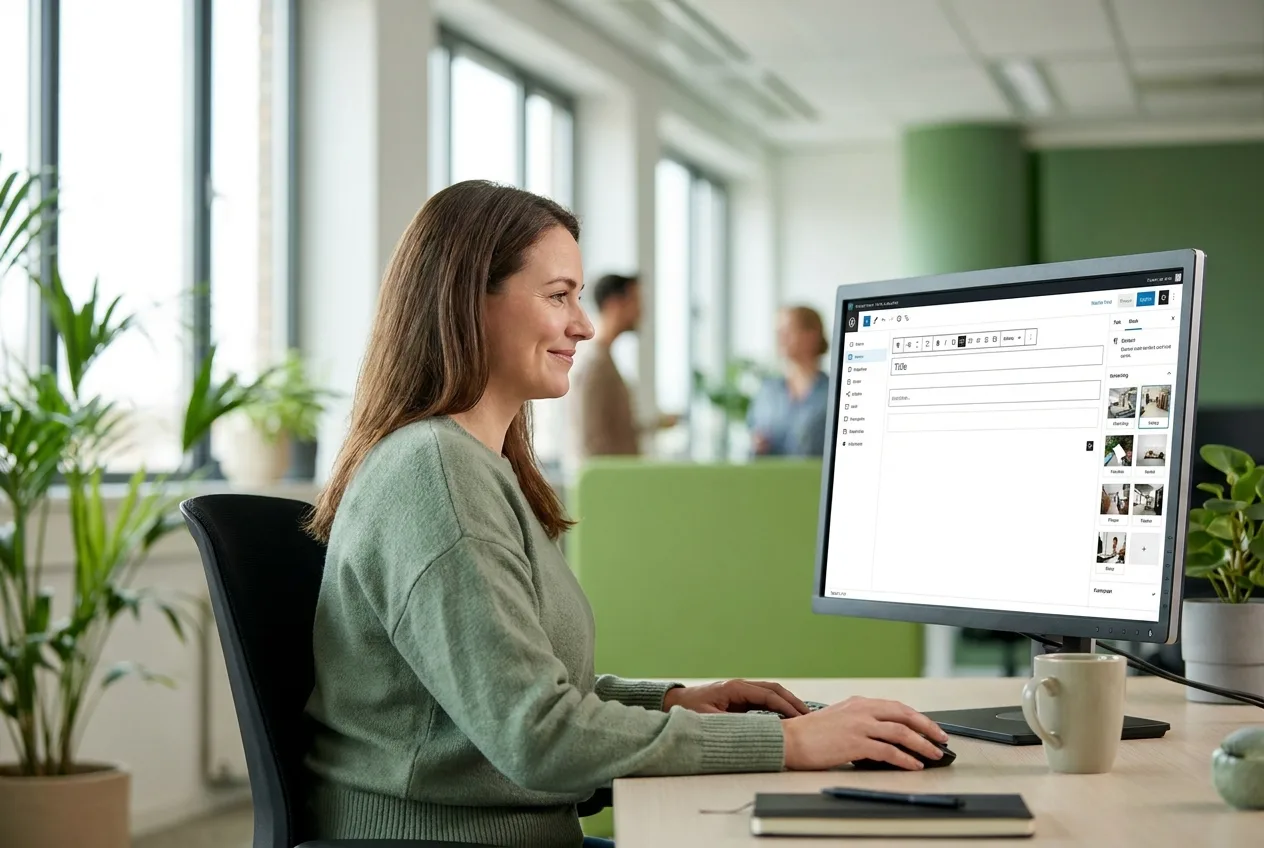
An editor updating text and images herself in the CMS – website maintenance without coding skills
Easy maintenance

Your website answers to you – not the other way round.

A new price, a current photo, a change to your opening hours: things like that should not need an email to an agency. We set your content management system up so that you use it like a word processor – click, type, save, done. No technical knowledge required.

As easy to use as writing an email Changes go live immediately – no waiting A tidy interface: only what you actually need Daily backups – nothing gets lost
See a free demo
Do it yourself

From now on you change this yourself

Six things you will never have to wait for again – after a short training session you handle them on the side.

Text & prices

Added a service or adjusted a price? It is online in two minutes – no order form, no waiting.

Images & galleries

Upload new photos, replace old ones, extend galleries – in a click, straight from your computer or phone.

Opening hours

Bank holiday, annual leave or new hours? Update them yourself before customers find the door locked.

News & blog

Report on projects and offers yourself – your customers like it and it helps your Google ranking.

Team page

A new colleague on board? A photo and short introduction are added in minutes – and departures removed just as quickly.

Job adverts

You publish vacancies as soon as you need to – and take them offline again once the post is filled.

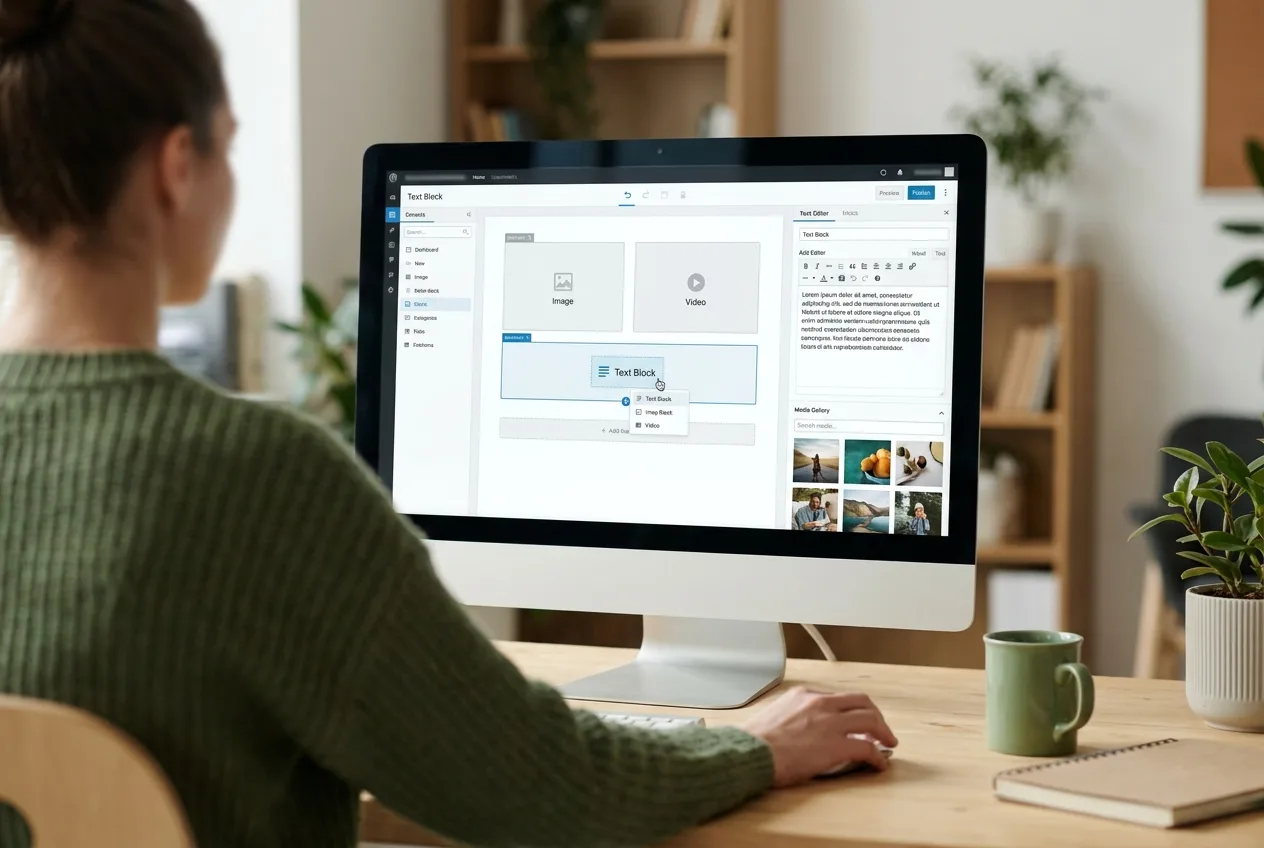
Over the shoulder: the WordPress editor during personal CMS training at NK IT Service
Training

Training included: confident in one hour.

Nobody has to learn a new system on their own. When we hand the site over we sit down with you – on site in Rastatt or by screen sharing – and go through the most important steps together. If you can write an email, you can do this too.

Personal instruction at your own pace Short video guides to look things up A cheat sheet for the most important steps Afterwards: help is only a phone call away
Request training
How we work

Ready to go in 4 steps

From setup to standing on your own feet – or to full-service support.

1

Setup

WordPress cleanly installed, securely configured and tidied up.

2

Structure

A logical page structure and reusable building blocks.

3

Training

A personal introduction so that you feel confident.

4

Support

Updates, backups and maintenance – as much as you want.

CMS knowledge

The key questions – clearly answered

Explained in plain language, without jargon – for people and for AI search engines such as ChatGPT & Google AI.

What?What is a CMS (content management system)?

A CMS (content management system) is software that lets you edit the text, images and pages of your website yourself – with no coding skills at all. It separates content from technology: you look after your message, the system looks after the rest. You edit through an interface that feels like a word processor.

Must I?Do I need to know how to code?

No – you operate a modern CMS without a single line of code, much like a word processor. Click the text, change it, save: day-to-day maintenance needs no more than that. We set up the technology behind it and keep it current. If you can write an email, you can manage this.

Why?What is WordPress – and why do we use it?

WordPress is the world's most widely used CMS: more than 40 per cent of all websites run on it. For you that means proven technology, a huge ecosystem and no dependence on a single supplier. Should you ever want to change provider, any agency will find its way around at once – the website stays yours.

Can I?Can I break my website?

In practice, no: daily backups and carefully set user permissions make sure nothing is lost for good. You only change content, not the technology. And if something does go wrong, we restore the last version in a few clicks. Experimenting is expressly allowed.

What?What if I have no time for maintenance?

Then we take it on: you email us the changes you want and we usually implement them within one working day. Many customers run a mixed model – small things themselves, larger rebuilds by us. You can switch between doing it yourself and full support at any time, with no change of system.

What?What does a CMS cost?

WordPress itself is free (open source) – costs arise only for setup, hosting and, if you want it, ongoing maintenance. Frankly: a neglected website works out more expensive, because a security incident quickly costs a four-figure sum. We offer predictable maintenance transparently on a monthly subscription.

Frequently asked questions

CMS & content editing – briefly explained

Can I really edit my website myself?
Yes. We use WordPress with a tidy, visual editing interface. You change text, images and whole sections in a click, with a live preview – with no coding skills at all. After handover you receive personal introductory training, and after that short video guides and our support team help you along.
How quickly will I learn to use the CMS?
Most customers are confident after our training session of around an hour. If you can write emails and use a word processor, you already have everything you need. For later on there are short video guides and a cheat sheet covering the most important steps.
Can I break something while editing?
In practice, no. Your website is backed up daily and your user permissions are set so that you change content but not the technology. If something does go astray, we restore the last version in a few clicks – that is routine, not an emergency.
What if I have no time for maintenance?
Then we take it on. You send us your content or change requests informally by email and we implement them professionally – usually within one working day. This is available as a flexible subscription, as much or as little as you need. You can also mix the two: small things yourself, bigger jobs by us.
Why WordPress and not another system?
With a market share of more than 40 per cent, WordPress is the world's most widely used CMS – with a huge ecosystem, long-term availability and great flexibility. You are not tied to a single supplier and can find help at any time. That is exactly why we rely on it.
Can you move my old website to WordPress?
Yes. We take the content from your existing system or an outdated site, rebuild it cleanly in WordPress and make sure your Google rankings survive the move – including redirects for every old address.
Do I need special software to maintain the site?
No. All you need is a web browser – on a PC, Mac, tablet or phone. You log in to your website and get going. Nothing has to be installed and you can work from anywhere, even while on holiday.
What does maintenance by NK IT Service cost?
That depends on the scope: updates, backups and security monitoring come as a lean basic package, with content maintenance added flexibly. After a short conversation we give you a clear quote – transparent, monthly and with no hidden costs or long contract commitment.
Does the website remain my property?
Yes, entirely. WordPress is open source, and the content and the logins belong to you – no vendor lock-in, no proprietary platform. If you ever want to work with a different provider, you simply take your website with you. We say this plainly because we are confident in our work.
Does that also keep the website secure and up to date?
A CMS has to be updated regularly, otherwise security holes appear. On request we take over updates, daily backups and security monitoring entirely – so your site stays protected without you having to think about it.
Free CMS demo

Ready to run your website yourself?

Send us a short note about what you need – in a free demo we show you how simple looking after your website can be. Specific, easy to follow and with no sales pressure.

07222 / 59 49 890 support@nk-it.de Reply usually in < 24 h
Google rating: 5 stars for NK IT Service
ProvenExpert: 4.90 out of 5 – VERY GOOD